
Complete De-Googling Guide 2026: Replace Every Google Service Step by Step
Switching off Google takes about 8 to 16 hours of active work, spread over weeks. Practical guide to the European alternatives for every Google service, in the order that makes the migration easiest. Search and Browser first (30 minutes), Email and Photos last.
Quick answer: Switching off Google takes 8 to 16 hours of active work, spread across 10 separate services. Start with the easiest, highest-impact changes (Search, Browser, Maps; about 30 minutes total), then handle the harder ones (Email, Cloud Storage, Photos) over several weeks. The European alternatives that cover the most ground for the least friction are Proton (Mail, Drive, Calendar, Pass, VPN), Vivaldi (browser), Startpage (search), Organic Maps (navigation), and Cryptee or Nextcloud (photos and documents).
Google accounts touch nearly every part of digital life: email, file storage, calendar, navigation, search, web browsing, photo backup, password management. None of these has to be replaced in one sitting. Each switch is independent, and the easy ones (Search, Browser, Maps) are done in half an hour and immediately reduce how much of your day Google sees.
This guide covers each service, names the specific European alternatives that work in 2026, and gives realistic time estimates per step.
Affiliate disclosure: Some of the European alternatives below (Proton Mail, Proton Drive, Proton Pass, Proton VPN, Tresorit, Infomaniak) link through our affiliate partnerships. We earn a small commission if you sign up, at no cost to you. We only include affiliate partners we've reviewed and would recommend without the commission. The non-affiliate alternatives (Nextcloud, CryptPad, Organic Maps, Vivaldi, Mullvad, and others) are listed because they are genuinely the right tool for the use case.
Before You Start
Download your Google data
Before switching anything, export a complete copy of your data from Google Takeout (takeout.google.com). Select all products and request the export. Google will prepare a set of zip files (this can take hours to days depending on data volume). Store these files locally as a safety net.
Plan your order
Not every service needs to switch at once. The guide is ordered by a combination of privacy impact and migration difficulty. Start at the top and work down at your own pace.
| Service | Privacy Impact | Difficulty | Time Estimate |
|---|---|---|---|
| Search | High | Easy | 5 minutes |
| Browser | High | Easy | 15 minutes |
| Maps | Medium | Easy | 10 minutes |
| Password Manager | High | Medium | 1-2 hours |
| Critical | Medium-Hard | 2-4 hours | |
| Cloud Storage | High | Medium | 1-3 hours |
| Calendar | Medium | Medium | 30-60 minutes |
| Photos | Medium | Medium-Hard | 2-4 hours |
| Documents | Medium | Hard | Varies |
| YouTube | Low | Easy | 10 minutes |
| VPN (optional) | Medium | Easy | 10 minutes |
| Android OS (optional) | High | Hard | 2-4 hours |
Total estimated time for a full migration: 8-16 hours, spread over several weeks. The last two rows are optional and not strictly Google replacements, but they are common follow-ups: a privacy-respecting VPN and a de-Googled Android build.
1. Search: Google Search to Startpage or Ecosia
Difficulty: Easy | Time: 5 minutes | Privacy impact: High
Google Search tracks every query you make, building a detailed profile of your interests, health concerns, political views, and purchasing intent. Switching search is the single highest-impact, lowest-effort privacy improvement you can make.
Recommended alternatives:
-
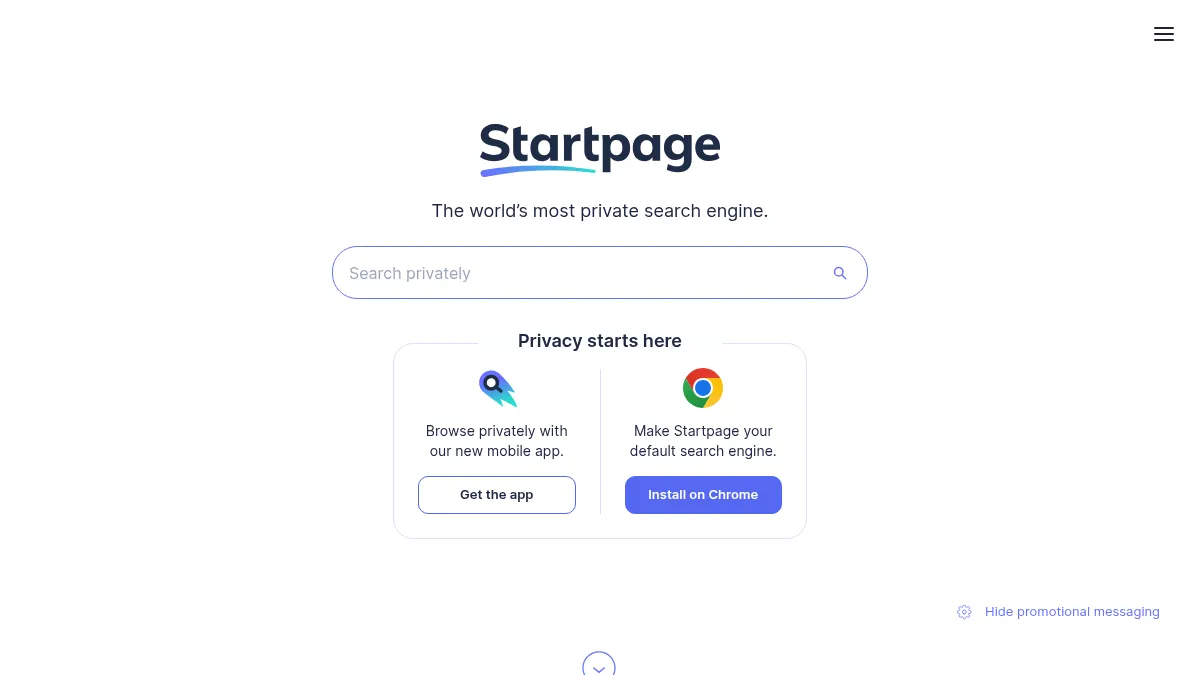
Startpage (Netherlands) delivers Google search results through a privacy layer that strips tracking and personal data. You get Google-quality results without Google knowing who searched. Startpage is funded by advertising that is based on the search query, not on a personal profile.
-
Ecosia (Germany) uses Bing's search index and donates profits to tree planting. Privacy policy is strong (no permanent profiles, no selling data to advertisers), and the company is a certified B Corporation.
How to switch:
- Open your browser settings
- Change the default search engine to Startpage or Ecosia
- Both are available as default options in Vivaldi, Mullvad Browser, LibreWolf, and most other privacy-respecting browsers
No data migration needed. The switch is instant.
2. Browser: Chrome to Vivaldi, Mullvad Browser, or LibreWolf
Difficulty: Easy | Time: 15 minutes | Privacy impact: High
Chrome sends browsing data to Google by default, including URLs visited, search queries typed in the address bar, and usage statistics. Chrome also serves as the foundation for Google's advertising tracking across the web.
Recommended alternatives (in order of how most people will use them):
-
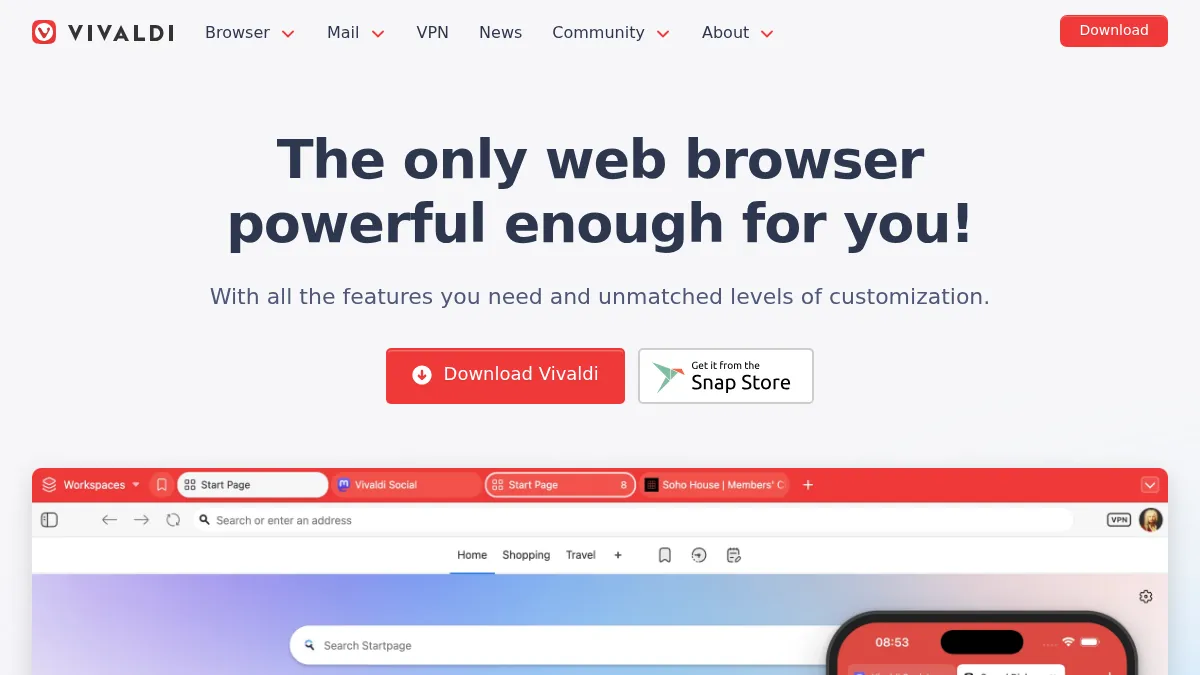
Vivaldi (Norway) is the daily-driver pick. Chromium-based, built-in ad and tracker blocking, mail/calendar/notes/tab-tiling out of the box, every Chrome Web Store extension runs unmodified. Vivaldi does not track users and stores sync data encrypted on European servers. It is what most readers will actually use day to day.
-
Mullvad Browser (Sweden, with Tor Project) is the specialist pick for compartmentalised browsing. It is a Firefox-based browser hardened against fingerprinting (every user looks identical to websites), with no persistent logins, no history, and no profile by default. The privacy is exceptional; the trade-off is real: CAPTCHAs trigger more often and some sites break. Use it for sensitive research, not for staying logged into 40 services.
-
LibreWolf (community-led, open-source) is the practical Firefox alternative. A community-maintained Firefox fork that ships with the privacy defaults vanilla Firefox should have had: telemetry off, fingerprint resistance on, tracker blocking enabled, no Pocket integration. Keeps the only mainstream non-Chromium browser engine alive without Mozilla's US jurisdiction and weak defaults. Qualifies under the self-hosting/open-source carve-out since the European browser market lacks a true Gecko-engine product.
Why not vanilla Firefox? Mozilla Foundation is US-headquartered, and on top of the jurisdiction issue Firefox's default privacy posture is weaker than its marketing implies (telemetry on by default, fingerprint resistance off, Pocket integration enabled). LibreWolf exists precisely because the community decided to ship the privacy defaults Firefox should have. If you specifically want the Gecko engine, use LibreWolf instead of vanilla Firefox.
How to switch:
- Install your chosen browser
- Import bookmarks and saved passwords from Chrome (all three offer import wizards)
- Install any essential extensions (Chrome Web Store extensions work in Vivaldi; LibreWolf and Mullvad Browser use Firefox add-ons)
- Set the new browser as your system default
- Set your preferred search engine (see step 1)
Tip: Keep Chrome installed but logged out for the first few weeks, in case you encounter a site that does not work correctly in your new browser. This is rare but possible with some enterprise web applications.
Vivaldi vs Mullvad Browser vs LibreWolf, in 60 words
Vivaldi is the daily driver: Chromium engine, full feature set, every Chrome extension works, EU jurisdiction (Norway). Mullvad Browser is the compartmentalised-session tool: fingerprint resistance from the Tor Project, no persistent state, occasional site breakage. LibreWolf is the Gecko-engine pick for users who want browser-engine diversity without Mozilla's defaults or US headquarters. Most people pick Vivaldi for daily use plus Mullvad Browser for sensitive research.
3. Maps: Google Maps to Organic Maps
Difficulty: Easy | Time: 10 minutes | Privacy impact: Medium
Google Maps tracks your location history, commuting patterns, and places you visit. This data feeds into Google's advertising profile.
Recommended alternative:
-
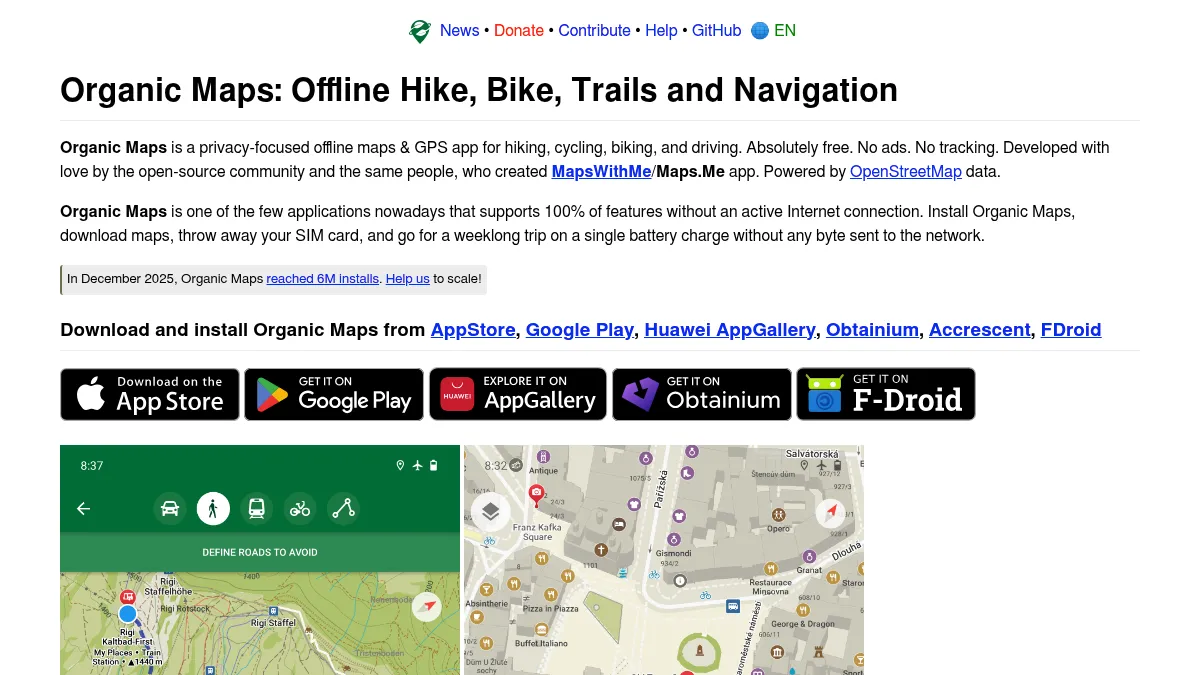
Organic Maps (Estonia, open source) is a community-driven project registered as Organic Maps OÜ in Tallinn. It uses OpenStreetMap data and works entirely offline. No tracking, no ads, no data collection. Maps are downloaded to your device and navigation runs locally.
-
OsmAnd (open source, German non-profit foundation) is the other major OpenStreetMap-based app. Steeper learning curve than Organic Maps, but more features for serious hikers, cyclists, and offline trip planning. Available on Android, iOS, and Linux.
How to switch:
- Install Organic Maps from your app store
- Download the map for your region (and any regions you travel to frequently)
- Saved places from Google Maps do not transfer automatically, but you can manually save your most important locations
What you give up: Google Maps has better real-time traffic data, transit directions in some cities, and business reviews. Organic Maps excels at walking, cycling, and driving navigation with offline maps. For transit, check if your city has a local transit app as a complement.
For business use: If your organization relies on Google Maps Platform APIs (embedded maps, geocoding), OpenStreetMap-based alternatives include MapTiler (Switzerland) and Jawg Maps (France).
4. Password Manager: Google Password Manager to Proton Pass
Difficulty: Medium | Time: 1-2 hours | Privacy impact: High
Google Password Manager stores your credentials in your Google account, accessible to Google and subject to the same jurisdictional issues as other Google services. A dedicated password manager with end-to-end encryption is a significant security and privacy upgrade.
Recommended alternative:
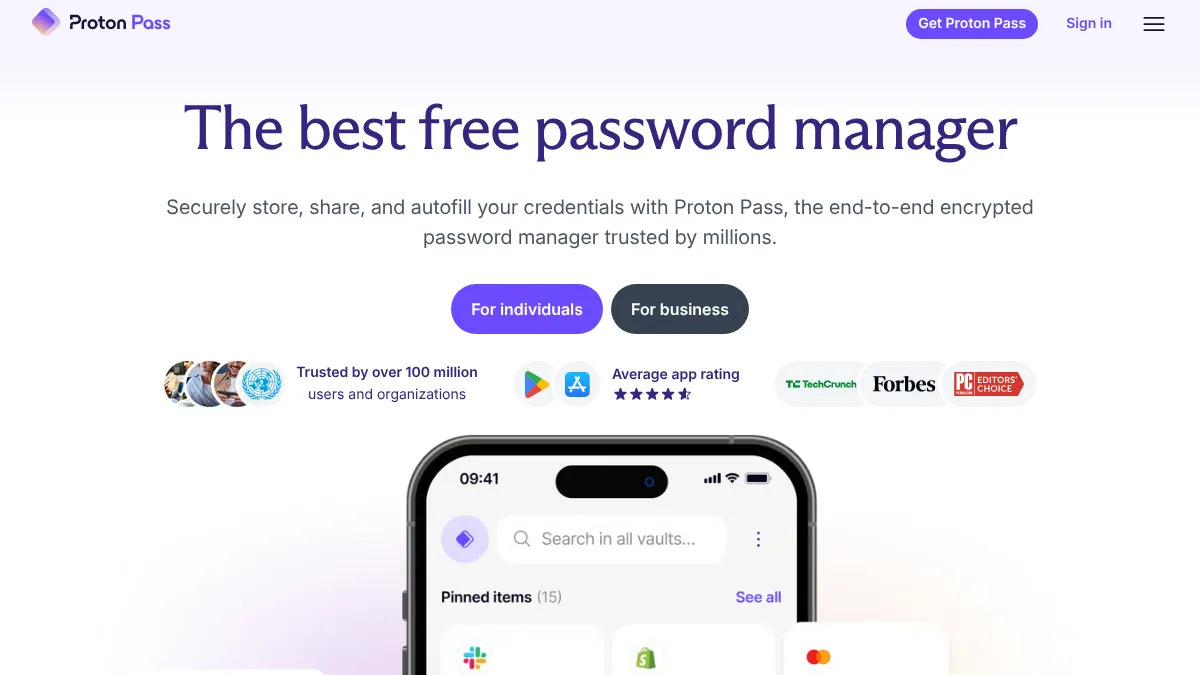
- Proton Pass (Switzerland) offers end-to-end encrypted password storage, passkey support, email aliases for sign-ups, and apps for all platforms. Proton Pass is part of the Proton ecosystem, so it integrates with Proton Mail if you use both. The free tier covers unlimited passwords across unlimited devices plus 10 email aliases, which is generous for a privacy-aligned password manager.
How to switch:
- Export passwords from Chrome: Settings, then Passwords, then Export Passwords (saves as CSV)
- Create a Proton Pass account
- Import the CSV into Proton Pass (Settings, then Import)
- Install the Proton Pass browser extension and mobile apps
- Disable Google Password Manager in Chrome settings (Passwords, then Offer to save passwords, then turn off)
- Delete the exported CSV file securely (it contains all your passwords in plain text)
Important: After importing, go through your saved passwords and update any that are weak, reused, or old. A password manager migration is a good opportunity to improve your overall credential hygiene.
5. Email: Gmail to Proton Mail or Tuta
Difficulty: Medium-Hard | Time: 2-4 hours (initial setup), plus weeks for full transition | Privacy impact: Critical
Email is typically the most important migration because your email address is your digital identity: it is tied to account registrations, password resets, banking, government services, and professional contacts. Gmail also scans email metadata for advertising purposes and is subject to US jurisdiction.
Recommended alternatives:
-
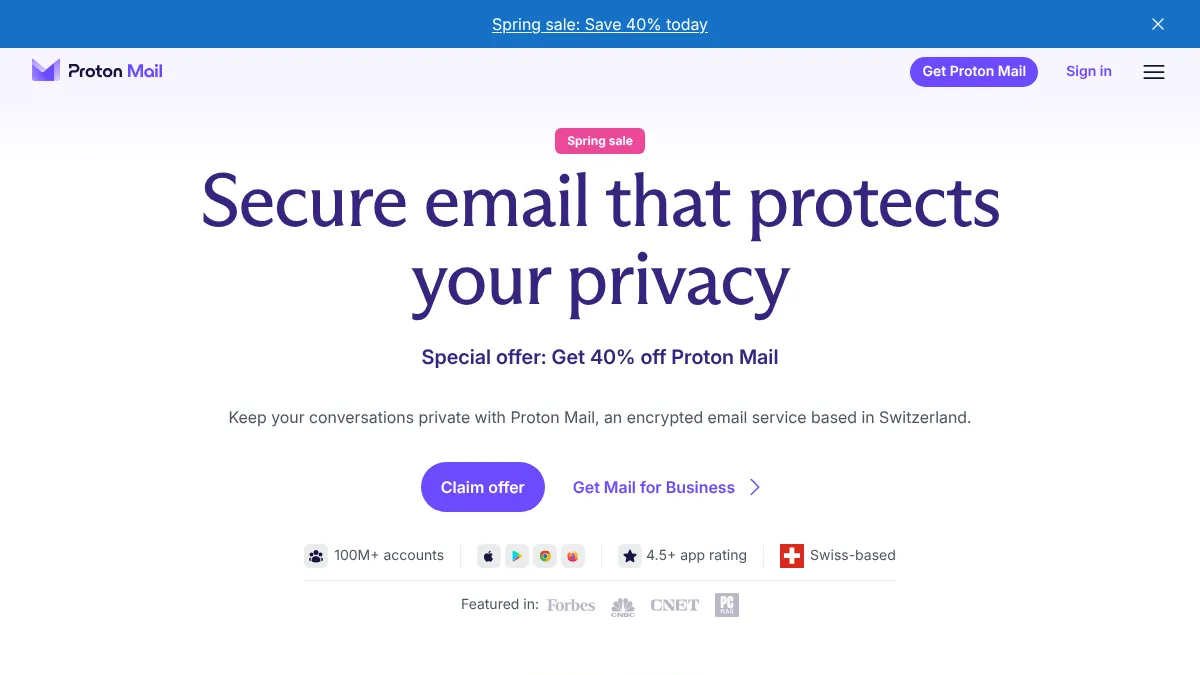
Proton Mail (Switzerland) offers end-to-end encryption, zero-access architecture (Proton cannot read your emails), calendar and drive integration, and custom domain support. The free tier includes 1 GB storage and 150 messages per day. Paid plans start at around €3.99/month on annual billing.
-
Tuta Mail (Germany) offers end-to-end encryption for emails and contacts, with encrypted calendar included. Tuta uses its own encryption protocol rather than PGP, plus quantum-resistant cryptography. Free tier includes 1 GB storage. Paid plans from €3/month (Revolutionary) to €8/month (Legend).
How to switch:
- Create your new account (Proton Mail or Tuta)
- Use the built-in import tool to transfer existing emails from Gmail (Proton Mail supports this directly via IMAP import; Tuta requires the desktop app import tool)
- Set up a forwarding rule in Gmail: Settings, then Forwarding, then add your new address. This ensures you receive emails sent to your old address during the transition.
- Update your email address on critical accounts first: banking, government services, healthcare, insurance, employer
- Over the following weeks, update your address on remaining services as you receive emails forwarded from Gmail
- After 3-6 months, most active contacts and services will have your new address. Keep the Gmail forwarding active for at least a year to catch infrequent correspondences.
Custom domain option: If you set up email on your own domain (e.g., you@yourdomain.com), you never need to change your email address again. Both Proton Mail and Tuta support custom domains on paid plans. This is the recommended approach for anyone who wants long-term flexibility.
What you give up: Gmail's search is faster for very large mailboxes (due to server-side indexing of plaintext). Proton Mail's search works on subject lines and metadata by default; full-body search requires the Proton Mail desktop app or Bridge. Tuta's search is limited on the free tier.
Proton Mail — private email, by default
End-to-end encrypted mailbox from the Proton team. Swiss jurisdiction, zero-access encryption.
Affiliate partnership — we may earn a commission at no cost to you.
Proton Mail vs Tuta Mail, in 60 words
Both are end-to-end encrypted, both run from European jurisdictions (Switzerland and Germany respectively), both have free tiers around 1 GB. Proton uses standard OpenPGP for interoperability with other PGP users; Tuta uses its own protocol with quantum-resistant cryptography. Proton has a larger ecosystem (Mail, Drive, VPN, Pass, Calendar). Tuta is cheaper at scale (€8/month for 500 GB vs Proton's bundle pricing).
6. Cloud Storage: Google Drive to Proton Drive, Tresorit, or Nextcloud
Difficulty: Medium | Time: 1-3 hours depending on data volume | Privacy impact: High
Google Drive stores your files on Google's infrastructure, where they are accessible to Google for indexing and subject to US legal process. All three recommended alternatives use end-to-end encryption or can be self-hosted.
Recommended alternatives:
-
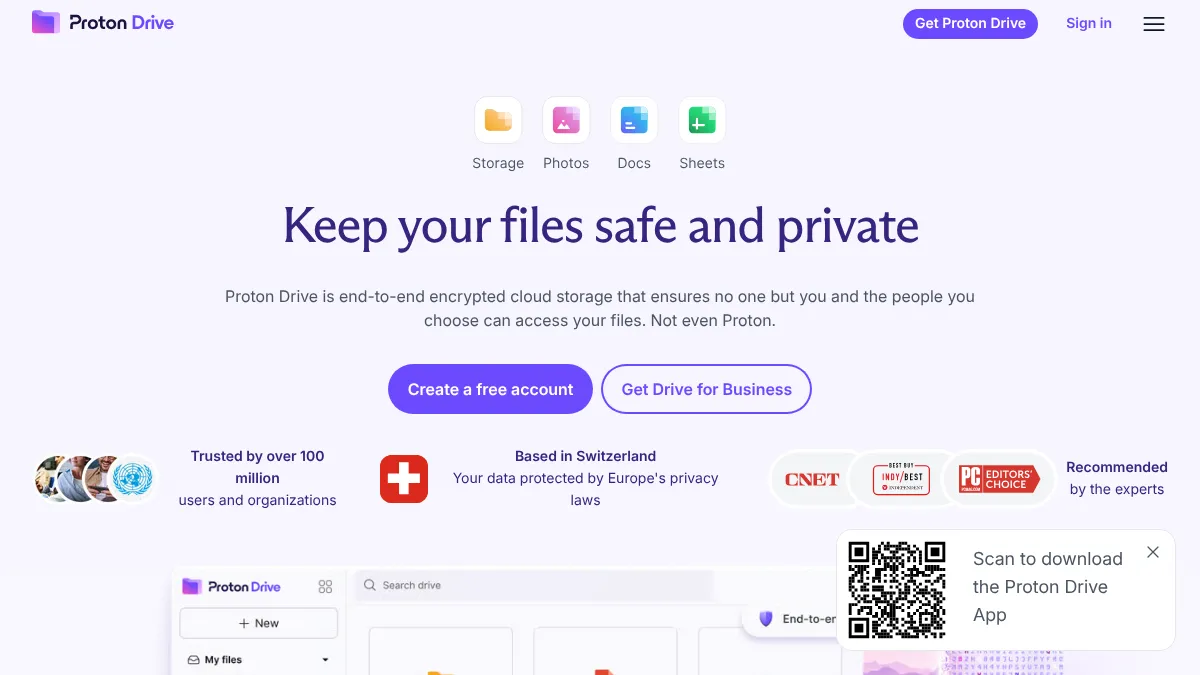
Proton Drive (Switzerland) is the simplest option if you are already using Proton Mail. End-to-end encrypted, integrated with the Proton ecosystem, and offers file sharing with password protection. 5 GB free, paid plans start at around €3.99/month (or bundled into Proton Unlimited at €12.99/month with Mail, VPN, Pass, and Calendar).
-
Tresorit (Switzerland) is designed for business use with end-to-end encryption, compliance certifications (ISO 27001, HIPAA-ready), and granular sharing controls. Best for teams that need collaboration features with strong encryption. Plans start at around €10/user/month.
-
Nextcloud (Germany) is open source and can be self-hosted or used through a hosting provider. Offers file storage, calendar, contacts, office document editing (via Collabora), and dozens of apps. Maximum control, but requires more technical setup for self-hosting.
How to switch:
- Download all files from Google Drive (use Google Takeout or the Drive desktop app)
- Create your account with your chosen provider
- Upload files to the new service. For large libraries (over 50 GB), use the desktop sync client rather than the web uploader.
- Uninstall Google Drive desktop sync and install your new provider's sync client
- Update any shared links you have sent to collaborators
For organizations: Evaluate whether you need real-time document collaboration (Google Docs equivalent). Nextcloud with Collabora Online, CryptPad (France), or ONLYOFFICE (Latvia) provide collaborative editing. Proton Drive and Tresorit focus on file storage and sharing rather than live document editing.
Proton Drive vs Tresorit vs Nextcloud, in 60 words
Proton Drive is the easiest if you already use Proton: zero-knowledge encryption, fair pricing, low setup friction. Tresorit is the choice for regulated industries (legal, healthcare, finance) that need formal compliance certifications and granular sharing controls. Nextcloud gives you complete data ownership through self-hosting, plus a calendar, contacts, office editing, and dozens of apps. Maximum control, most setup work.
7. Calendar: Google Calendar to Proton Calendar
Difficulty: Medium | Time: 30-60 minutes | Privacy impact: Medium
Google Calendar knows your schedule, meetings, travel plans, and daily routines. This metadata is valuable for profiling even without reading event details.
Recommended alternative:
- Proton Calendar (Switzerland) is included with every Proton Mail account. Events are end-to-end encrypted, including event titles, descriptions, and locations. Supports calendar sharing and ICS import.
How to switch:
- Export your Google Calendar: Google Calendar Settings, then select your calendar, then Export (downloads an ICS file)
- In Proton Calendar, import the ICS file (Settings, then Import)
- If you use calendar invitations heavily, note that Proton Calendar works with standard CalDAV, so invitations from non-Proton users work normally
- Disable Google Calendar sync on your phone and add Proton Calendar (available as part of the Proton Mail mobile app)
For shared/team calendars: Nextcloud Calendar supports shared calendars with CalDAV, which works with any standard calendar client. For organizations migrating a team, this may be a better fit than Proton Calendar's individual-focused design.
8. Photos: Google Photos to Proton Drive, Jottacloud, Cryptee, or self-hosted
Difficulty: Medium-Hard | Time: 2-4 hours (depends on library size) | Privacy impact: Medium
Google Photos uses AI to analyse, tag, and categorise your photos. This generates detailed inferences about your life: who you spend time with, where you go, what you own, what you do.
There are two genuinely different use cases for "Google Photos replacement". One is automatic camera-roll backup that captures everything your phone shoots. The other is an encrypted photo vault for selective uploads. Different European tools cover each.
For automatic camera-roll backup (the Google Photos drop-in):
-
Proton Drive (Switzerland) offers automatic photo backup from the Proton Drive mobile app, with the same zero-knowledge encryption as the rest of the Proton stack. The most user-friendly drop-in for Google Photos behaviour, especially if you're already on a Proton plan.
-
Jottacloud (Norway) is purpose-built for unlimited mobile photo backup with Norwegian data residency. Not zero-knowledge, but no CLOUD Act exposure and the auto-backup experience is closer to Google Photos than most.
-
Immich (open source, self-hosted) is the closest functional clone of Google Photos: facial recognition, location mapping, automatic mobile backup, timeline view. Free software; the cost is running the box. The European NAS market is a gap (Synology and QNAP, the two big names, are both Taiwanese), so the honest path is a self-built box: a Raspberry Pi for small libraries, an old PC, or a Linux mini-PC running OpenMediaVault or TrueNAS. The hardware brand matters less when the OS and the data plane are under your control.
-
Nextcloud Photos + Nextcloud mobile app with auto-upload enabled does the same job, hosted on whatever Nextcloud instance you use (self-hosted on a European-jurisdiction box, or via a managed European Nextcloud provider).
For an encrypted photo vault (selective uploads, shared albums):
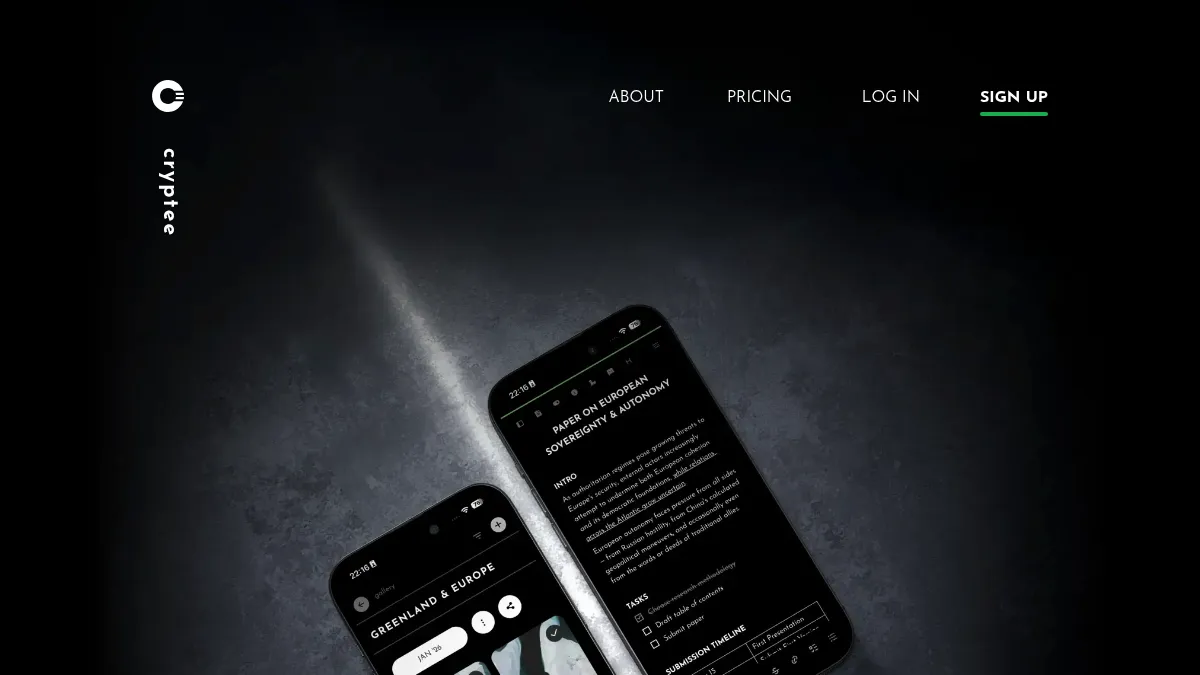
- Cryptee (Estonia) is an end-to-end encrypted, browser-based vault for photos and documents. Filenames and contents are encrypted on-device. Supports shared albums (up to 5 people per link, 48-hour invite window) and runs as an installable progressive web app. Better fit for selective uploads of sensitive photos than for backing up your whole camera roll automatically.
How to switch:
- Use Google Takeout to export all photos (select Google Photos, choose "all albums")
- Wait for the export to process (can take 24-48 hours for large libraries)
- Download the zip files and extract
- Upload to your chosen alternative, or organize in local storage
- Disable Google Photos backup on your phone and enable backup to your new service
Tip: Google Takeout exports photos with metadata in a sidecar JSON file (not embedded in the image). If dates and locations matter to you, use a tool like exiftool to merge the JSON metadata back into the image files before importing elsewhere.
9. Documents: Google Docs to CryptPad or LibreOffice
Difficulty: Hard | Time: Varies significantly | Privacy impact: Medium
Google Docs, Sheets, and Slides provide real-time collaboration that is hard to replicate. This is typically the hardest Google service to replace, especially for teams.
Recommended alternatives:
-
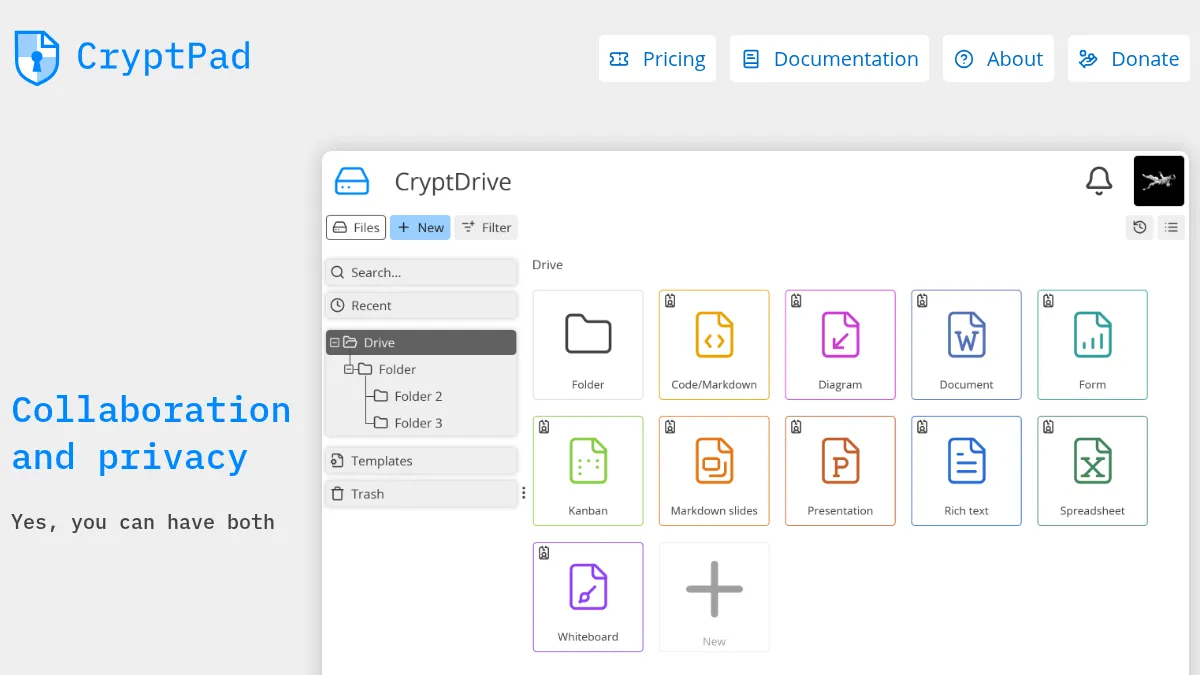
CryptPad (France) is an end-to-end encrypted collaboration suite. It offers rich text documents, spreadsheets, presentations, kanban boards, and forms. All content is encrypted before it reaches the server. Free tier available, paid plans start at EUR 5/month.
-
Collabora Online (based on LibreOffice) is a self-hosted or cloud-hosted document editor that integrates with Nextcloud. It offers compatibility with Microsoft Office formats and real-time collaboration. For organizations already running Nextcloud, this is the most natural fit.
-
ONLYOFFICE (Latvia) provides web-based document editing with strong Microsoft Office compatibility. Available as a cloud service or self-hosted. Integrates with Nextcloud, ownCloud, and other platforms.
-
LibreOffice is a free, open-source offline office suite. Best for individual use where real-time collaboration is not needed. Available on all platforms.
How to switch:
- Export documents from Google Drive (Google Takeout or manual export)
- Choose your export format: Microsoft Office formats (.docx, .xlsx, .pptx) have the broadest compatibility
- Upload to your chosen platform or store locally
- For active collaborative documents, create new versions in your new platform and share with collaborators
Reality check: If your team relies heavily on real-time Google Docs collaboration, this is the hardest switch. CryptPad and Collabora Online provide collaboration, but the experience is different. Consider switching individual workflows first and collaborative workflows last.
10. YouTube: Reduce Tracking Without Leaving
Difficulty: Easy | Time: 10 minutes | Privacy impact: Low (compared to other services)
YouTube has no European equivalent with the same content library. The practical approach is to reduce tracking rather than abandon the platform.
How to reduce YouTube tracking:
- Watch YouTube logged out (or in a private/incognito window)
- Use a privacy-respecting frontend: Piped (web), Invidious (open source, web), or FreeTube (desktop app). All play YouTube videos without Google tracking.
- Disable watch history and search history in YouTube settings
- Use uBlock Origin to block advertising trackers
- Subscribe to channels via RSS rather than YouTube's subscription system (reduces the need to log in)
For your own video uploads: PeerTube (federated, French-developed) is a real alternative. Anyone can host a PeerTube instance, content is federated across the network (similar to Mastodon), and there is no algorithmic feed. It will not replicate YouTube's distribution reach, but for project documentation, conference talks, or audience-aware uploads, PeerTube is a working European video host.
11. VPN (optional): Proton VPN or Mullvad
Difficulty: Easy | Time: 10 minutes | Privacy impact: Medium
A VPN is not a Google replacement, but it is the most-recommended follow-up step in the r/degoogle and GrapheneOS communities. Your ISP sees every domain you connect to (even with HTTPS), and Google's ad network can fingerprint your IP address across sites. A privacy-respecting VPN cuts both off.
Recommended alternatives:
-
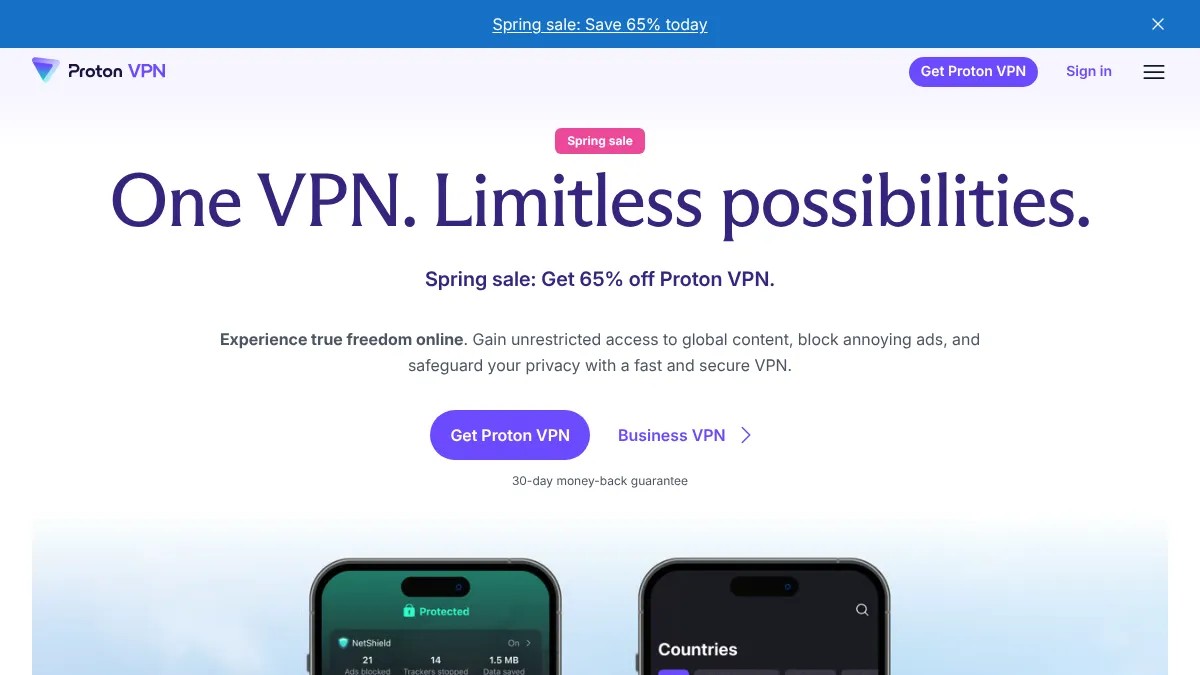
Proton VPN (Switzerland) is the best fit if you have already moved your email, drive, or password manager to Proton: one account, one subscription, single sign-on across the stack. Open source apps, independently audited no-logs policy, Swiss jurisdiction (no CLOUD Act exposure). The free tier has no time limit and no bandwidth cap, just country and device limits, which makes it easy to try before committing.
-
Mullvad VPN (Sweden) is the choice the privacy community keeps returning to. No email required to sign up (you get a numeric account number), payment in cash or cryptocurrency accepted, flat €5/month with no tiers, fully open source. Endorsed by the GrapheneOS project as one of the only VPN apps tested with hardware memory tagging. Pick this if anonymity from the VPN itself matters more than ecosystem integration.
Proton VPN vs Mullvad, in 60 words
Both are Swiss or Swedish, both audited, both no-logs, both open source. Proton VPN integrates with the Proton ecosystem (single account for Mail, Drive, Pass) and has a free tier with no time limit. Mullvad is the anonymity choice: no email required, flat €5/month, accepts cash and crypto. Pick Proton if you want one bill, Mullvad if you want one fewer account.
Proton VPN — high-speed Swiss VPN
Thousands of servers across 60+ countries, strict no-logs policy, hosted in privacy-first Switzerland.
Affiliate partnership — we may earn a commission at no cost to you.
How to switch:
- Sign up with either provider (Proton VPN reuses your Proton account; Mullvad requires no email)
- Install the desktop and mobile apps
- Connect and leave it running
What to know: A VPN moves trust from your ISP to the VPN provider. The jurisdiction and verified no-logs policy of the provider matters more than the encryption protocol; both Mullvad and Proton VPN have published independent audits and operate from jurisdictions without surveillance compulsion laws.
12. Android (optional): Stock Android to GrapheneOS or /e/OS
Difficulty: Hard | Time: 2-4 hours including backup and setup | Privacy impact: High
Stock Android sends data to Google even with every Google app uninstalled, because Google Play Services is wired into the OS. There are two credible options, and they optimise for different priorities. The honest framing: pick by which trade-off matters more to you.
The two real choices:
-
GrapheneOS is the security and hardening pick. Open-source, community-developed (the project is Canadian-led but flashed onto your own hardware, which is what the European-only carve-out for self-hosting accounts for). Strips Google Play Services entirely and ships exploit mitigations, hardened sandboxing, and a faster security-update cadence than anything else in the space. Independent security researchers consistently rate it the gold standard. The catch: it runs only on recent Google Pixel hardware (Pixel 6 and newer), which means buying a Google phone to escape Google.
-
/e/OS (Murena, France) is the European-jurisdiction pick. Wider hardware support including non-Pixel devices and pre-installed Fairphone options. Ships microG, a Google-Services re-implementation that lets most apps work without sending data to Google. Easier daily-use experience than GrapheneOS, fewer compatibility surprises, but lower-tier security hardening. French non-profit, no CLOUD Act exposure on the project itself.
Which one for which person:
- Want maximum hardening, willing to buy a Pixel, comfortable with occasional app-attestation friction → GrapheneOS.
- Want a turnkey de-Googled phone you can keep using on your current hardware (or a Fairphone), willing to accept lower security tier in exchange → /e/OS.
Neither is perfect. The trade-off is real and worth understanding before you commit.
How to switch:
- Back up everything on your current phone first
- Buy a compatible device (Pixel 6+ for GrapheneOS; Fairphone or check the /e/OS device list for the rest) or use Murena's pre-installed phones
- Follow the official installation instructions (both projects have a web-based installer)
- Reinstall apps from F-Droid (open-source app store, F-Droid Limited is UK-registered)
Reality check: This is the hardest step in the guide and the most likely to require committing to a specific phone model. It is also the step that closes the most remaining privacy gaps, since Android itself is the largest direct data pipeline to Google.
Migration Checklist
Use this checklist to track your progress:
- Downloaded Google Takeout data
- Search engine switched to Startpage or Ecosia
- Browser switched to Vivaldi (or Mullvad Browser / LibreWolf)
- Maps app switched to Organic Maps
- Password manager migrated to Proton Pass
- Email account created and import started
- Gmail forwarding configured
- Critical accounts updated to new email
- Cloud storage migrated
- Calendar exported and imported
- Photos backed up to new service
- Active documents migrated
- YouTube tracking reduced
- Old Google data export stored securely
- Google account privacy settings reviewed
- (Optional) VPN installed (Proton VPN or Mullvad)
- (Optional) De-Googled Android (GrapheneOS or /e/OS) considered
After the migration
Once the primary services are migrated, three follow-up steps:
Lock down the dormant Google account. Visit myaccount.google.com/data-and-privacy. Turn off Web & App Activity, Location History, and YouTube History. Delete the stored activity data. This stops Google from continuing to profile what little activity is left.
Don't delete the Google account yet. Keep it active but quiet for at least 12 months. Some services will still send password resets and verification codes to your Gmail address; you need to be able to receive them. After 12 months of forwarding catches the long-tail correspondence, deletion is safer.
Avoid new Google logins. Every time you "Sign in with Google" on a new service, you're rebuilding the dependency you just unwound. Use email-and-password (with your new email address and Proton Pass) instead.
The European alternatives aren't perfect replicas. What you gain is jurisdiction (no CLOUD Act), control over your data, and independence from a single company's roadmap. What you give up is some convenience and integration. For most people, that trade-off is straightforwardly worth making.
Proton Drive — encrypted cloud storage
Zero-knowledge Swiss storage. Only you hold the keys — not Proton, not Google, not a US cloud.
Affiliate partnership — we may earn a commission at no cost to you.
Explore all available European alternatives in our directory and find replacements for every tool in your stack.
Products Mentioned

Proton Mail offers secure email services with a focus on privacy and digital freedom. It provides encrypted email communication to protect users from spam, tracking, and ads. Proton Mail is part of a suite of tools designed to safeguard personal and business data.
Vivaldi is a web browser that emphasizes privacy, customization, and powerful features. It allows users to manage tabs, sync data across devices, and block ads and trackers. Vivaldi also includes built-in tools like a mail client, calendar, and feed reader, all designed to enhance user experience while maintaining privacy.
Free the internet from mass surveillance and censorship. Fight for privacy with Mullvad VPN and Mullvad Browser.
Proton VPN is a Swiss-based VPN service built by the team behind Proton Mail — the same CERN scientists who created the world's largest encrypted email service in 2014. With 12,000+ servers across 120+ countries, it offers both a genuinely free tier (no ads, no logs, unlimited bandwidth) and a paid plan with streaming optimization, ad/tracker blocking (NetShield), and advanced routing through privacy-friendly countries (Secure Core). All apps are open source and the no-logs policy is independently audited with public reports. Rated 4.6 on both the App Store and Google Play.
Tresorit is a Swiss-Hungarian end-to-end encrypted cloud storage and collaboration platform founded in 2011 by Istvan Lam, Szilveszter Szebeni, and Gyorgy Szilagyi. Headquartered in Zurich and acquired by Swiss Post in 2021 (while remaining independently operated), Tresorit uses zero-knowledge RSA-4096 encryption — meaning even Tresorit staff cannot access your files. The platform serves businesses that handle sensitive data: legal firms, healthcare, finance, and government. Beyond basic cloud storage, Tresorit offers secure data rooms (Tresorit Engage), electronic signatures (eSign), and email encryption.
Cryptee is a privacy-focused, end-to-end encrypted platform for documents, notes, and photo storage, based in Tallinn, Estonia. It uses client-side AES-256 zero-knowledge encryption, meaning even Cryptee cannot access your data. Features include a rich document editor with Markdown support, code highlighting, LaTeX, and file attachments. Data is stored in the EU with disaster backups in Switzerland and Sweden. Best suited for individuals who prioritize privacy for personal documents and photos rather than team collaboration.
Proton Drive is a secure cloud storage service that allows users to store, share, and collaborate on files with end-to-end encryption. It offers features like file syncing, secure file sharing, and online document editing. Proton Drive is based in Switzerland and is protected by European privacy laws.
Threema is a Swiss encrypted messenger founded in 2012 by Manuel Kasper in Pfäffikon, Switzerland. Unlike most messaging apps, Threema requires no phone number or email to register — users get a random Threema ID, enabling truly anonymous communication. All messages, calls, and files are end-to-end encrypted, and metadata is minimized by design. Threema is fully open source and has been independently audited. It's widely adopted in German-speaking countries and used by the Swiss government and military.
Complete collaborative office suite from Switzerland. Includes email, calendar, contacts, video conferencing, cloud storage (kDrive), and online document editing. A privacy-focused alternative to Google Workspace.
Nextcloud is a self-hosted cloud storage solution designed to provide secure and compliant data management for individuals and organizations. It offers end-to-end encryption for files, ensuring that your data remains private and protected. With GDPR-compliant data processing, Nextcloud is an ideal choice for those prioritizing data sovereignty and privacy, especially within the European Union. Key features include version control for file revisions, collaborative document editing, and two-factor authentication support, making it a robust tool for both personal and professional use. The platform is extensible with third-party apps, allowing users to customize their experience according to their needs. Nextcloud is suitable for businesses, educational institutions, and privacy-conscious individuals who require a reliable and secure cloud storage solution. With cross-platform mobile and desktop apps, users can access their data anytime, anywhere. Pricing varies based on the deployment model, with options for both free and enterprise-level support. By hosting data within the EU, Nextcloud ensures compliance with stringent data protection regulations, offering peace of mind to its users.
Stay secure and save time with Proton Pass, designed to help you store important files securely and easily while organizing your digital life. It supports features like email aliases and integrated 2FA for enhanced security.
Jottacloud is a robust cloud storage service designed to meet the needs of individuals and businesses seeking secure and reliable data management. Hosted in EU data centers, Jottacloud ensures compliance with GDPR regulations, offering peace of mind regarding data privacy and security. With end-to-end encryption, your files remain confidential and protected from unauthorized access. Key features include automatic photo backup, cross-platform synchronization, and version history for seamless file recovery. Jottacloud supports unlimited file size uploads, making it ideal for users with large data storage needs. Secure sharing with password protection further enhances data safety. Jottacloud is perfect for privacy-conscious individuals, photographers, and businesses that prioritize data sovereignty and security. While specific pricing details are available on their website, Jottacloud offers various plans to suit different storage needs, ensuring flexibility and affordability. By choosing Jottacloud, users benefit from the assurance of EU-hosted data centers, which uphold strict data handling standards.
Organic Maps is a open source navigation app for iOS and Android. It uses the maps of OpenStreetMaps.
Ecosia is a European search engine that transforms your web searches into environmental action. By using Ecosia, users contribute to global reforestation efforts, as the company allocates its ad revenue to plant trees worldwide. Ecosia stands out with its commitment to privacy, utilizing EU-hosted data centers and adhering to GDPR standards, ensuring your data is handled with the utmost care and transparency. The search engine is designed for environmentally conscious individuals and organizations seeking a privacy-friendly alternative to mainstream search engines. Ecosia’s operations are carbon-neutral, further emphasizing its dedication to sustainability. The platform provides transparent financial reports, allowing users to see exactly how their searches contribute to environmental projects. Ecosia is free to use, with its revenue model based on ad clicks, which directly fund tree planting initiatives. This makes it an ideal choice for users who prioritize both privacy and environmental impact in their digital activities.
Related Articles
The European Digital Sovereignty Stack: A US-to-EU Replacement for Every Service (2026)
A practical, honestly audited map of the European replacement for every US service you use, from email and cloud storage to search, browsers, messaging, and payments. Real vendors, where each one is actually headquartered, who owns it, and the gaps where Europe has no answer yet.
Digital SovereigntyWhat Is Digital Sovereignty? A Complete Guide for 2026
Digital sovereignty means controlling your own data and technology infrastructure. Learn why the EU is leading the global push for digital independence.
ComparisonsOffice.eu vs Euro-Office: Which European Office Suite Should You Try First?
Two European office suites launched in March 2026 to challenge Microsoft 365 and Google Workspace. Here is how Office.eu and Euro-Office compare on features, sovereignty, and readiness.
Ready to Switch to EU Alternatives?
Explore our directory of 400+ European alternatives to US tech products.
