
Office.eu vs Euro-Office: Which European Office Suite Should You Try First?
Two European office suites launched in March 2026 to challenge Microsoft 365 and Google Workspace. Here is how Office.eu and Euro-Office compare on features, sovereignty, and readiness.

15 claims checked · 5 sources · Reviewed 1 April 2026
Claims were checked against the sources below. That is desk research, not a hands-on test of every feature.
- office eu (office.eu)
- euro office press (nextcloud.com)
- euro office heise (heise.de)
- infomaniak ksuite (infomaniak.com)
- the register (theregister.com)
Quick answer: Office.eu (The Hague, launched 4 March 2026) is a hosted cloud workspace built on Nextcloud and Collabora Online. Euro-Office (Berlin, launched 27 March 2026 by a coalition led by IONOS and Nextcloud) is a free, open-source document editor forked from OnlyOffice that platform operators embed. One is a service you subscribe to, the other a component you deploy.
In the space of three weeks this March, two European office suites launched with the same ambition: give organizations a way to edit documents, manage email, and collaborate on files without sending a single byte of data through US jurisdiction.
Office.eu went live on March 4 from The Hague, offering a complete cloud workspace built on Nextcloud and Collabora Online. Three weeks later, on March 27 in Berlin, a coalition led by IONOS and Nextcloud unveiled Euro-Office, a free, open-source document editor forked from OnlyOffice.
Both target the same gap in the market. Both lean on open-source foundations. But they are fundamentally different products solving different parts of the problem. Office.eu is a turnkey cloud service you sign up for. Euro-Office is a component that platform operators embed into their own infrastructure.
For IT teams and decision-makers weighing their options, the question is not which one "wins." It is which approach fits your situation, and whether you should wait for these newcomers or start with one of the established European alternatives that are production-ready today.
This guide breaks down both initiatives, explains the OnlyOffice licensing controversy that has accompanied Euro-Office's launch, and covers five proven European office suite alternatives you can deploy right now.
Why Europe Is Building Its Own Office Suites
The push for European productivity software is not new, but 2025 and 2026 have accelerated it considerably.
At the core of the issue is the US CLOUD Act, signed into law in 2018. It gives US law enforcement the authority to compel American companies to hand over data stored anywhere in the world. That includes documents, emails, and files stored in Microsoft 365 and Google Workspace, even when the data physically sits on servers in Frankfurt or Amsterdam.
For European organizations subject to GDPR, this creates a legal tension that Standard Contractual Clauses and Data Processing Agreements do not fully resolve. The European Data Protection Board has repeatedly flagged this gap, and several national data protection authorities have issued guidance questioning whether US cloud services can satisfy GDPR requirements for sensitive data processing.
The political momentum has followed. Germany's Deutschland-Stack initiative laid out a national sovereign technology platform in late 2025, explicitly cataloguing approved protocols and standards for government digital infrastructure. France has been pushing sovereign cloud strategies through its national cloud doctrine since 2021. The Netherlands, where Office.eu is based, has conducted multiple Data Protection Impact Assessments on Microsoft 365, finding compliance concerns that remain unresolved.
The dependency is staggering. Industry estimates put Microsoft 365 adoption at over 80 percent of European organizations with more than 50 employees. Google Workspace holds a significant share of SMEs and educational institutions. Displacing that kind of entrenchment takes more than a press release. It takes production-ready alternatives that match the day-to-day experience people expect.
That is the context into which Office.eu and Euro-Office have launched.
Office.eu: The Complete Cloud Workspace
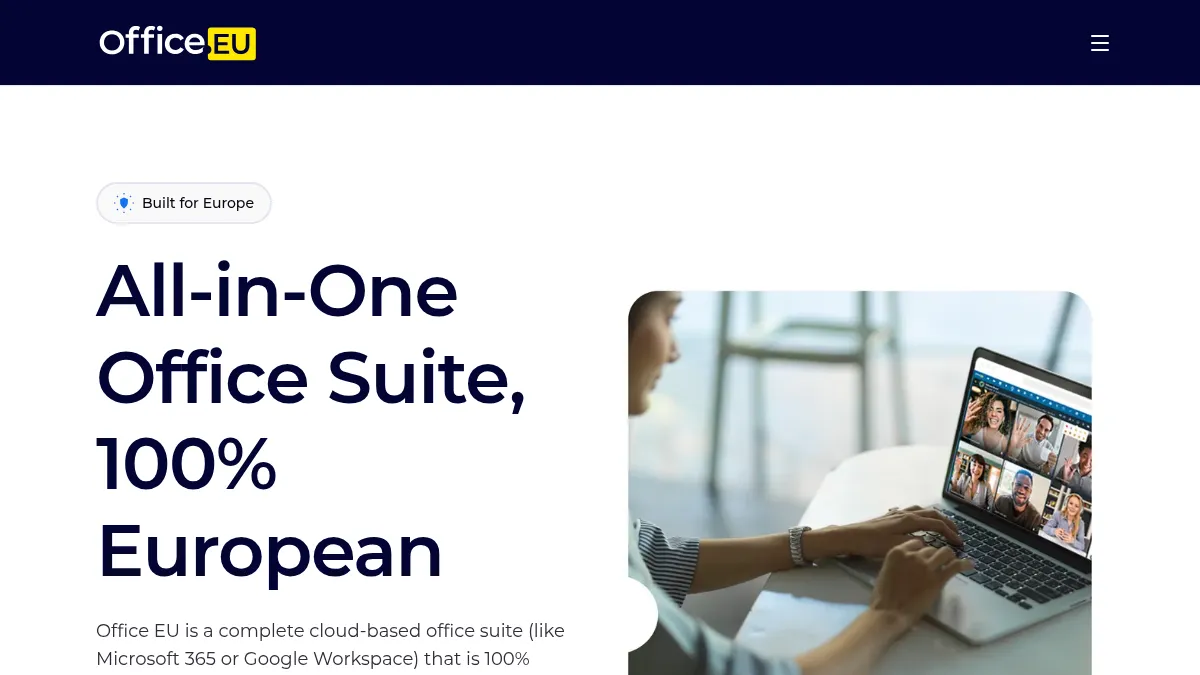
Office.eu positions itself as a complete, European-owned alternative to Microsoft 365, with all data stored exclusively on EU infrastructure.
Office.eu launched on March 4, 2026, at an event in The Hague. The company behind it, EUfforic Europe BV, was registered in the Netherlands in November 2025. Its pitch is straightforward: a complete cloud-based office suite, like Microsoft 365 or Google Workspace, that is 100 percent European-owned and runs entirely on European infrastructure.
What it includes:
The platform bundles seven core applications under a single subscription:
- EU Docs - Document editing with real-time collaboration and .docx compatibility
- EU Spreadsheet - Data management and formulas with .xlsx support
- EU Presentation - Slide creation with templates and animations
- EU Drive - Cloud file storage with European data residency
- EU Email - Encrypted email with GDPR-compliant handling and no ad tracking
- EU Calendar - Scheduling and time management
- EU Talk - Video conferencing routed through EU-only infrastructure
Technology under the hood:
Office.eu runs on Nextcloud Hub, the open-source collaboration platform developed by Nextcloud GmbH in Germany. Document editing is handled by Collabora Online, a browser-based version of LibreOffice developed by Collabora Productivity in the UK. File storage, communication, and groupware features all come from the Nextcloud stack.
The infrastructure is hosted on Hetzner data centers in Helsinki, keeping everything within EU borders. Office.eu emphasizes that its 100 percent open-source core means the code is auditable and no proprietary lock-in exists.
Current status:
Office.eu is in a phased rollout. Access is by invitation, with over 1,000 signups on the waitlist as of launch. Broad availability is planned for Q2 2026. The company targets SMEs, NGOs, and privacy-conscious individuals as its initial audience.
Where it stands honestly:
Office.eu offers a genuinely complete, no-setup-required experience. If you want a Microsoft 365 replacement you can sign up for and start using without configuring servers, it is one of very few options that deliver the full stack: email, files, docs, video, and calendar under one European roof.
The trade-offs are real, though. EUfforic Europe BV is a brand-new company. The Collabora Online editing experience, while solid for basic document work, does not match the polish and feature depth of Microsoft Word or Google Docs for complex formatting, macros, or advanced spreadsheet functions. And the phased rollout means you cannot simply sign up today and start working.
Euro-Office: The Sovereign Editor Component
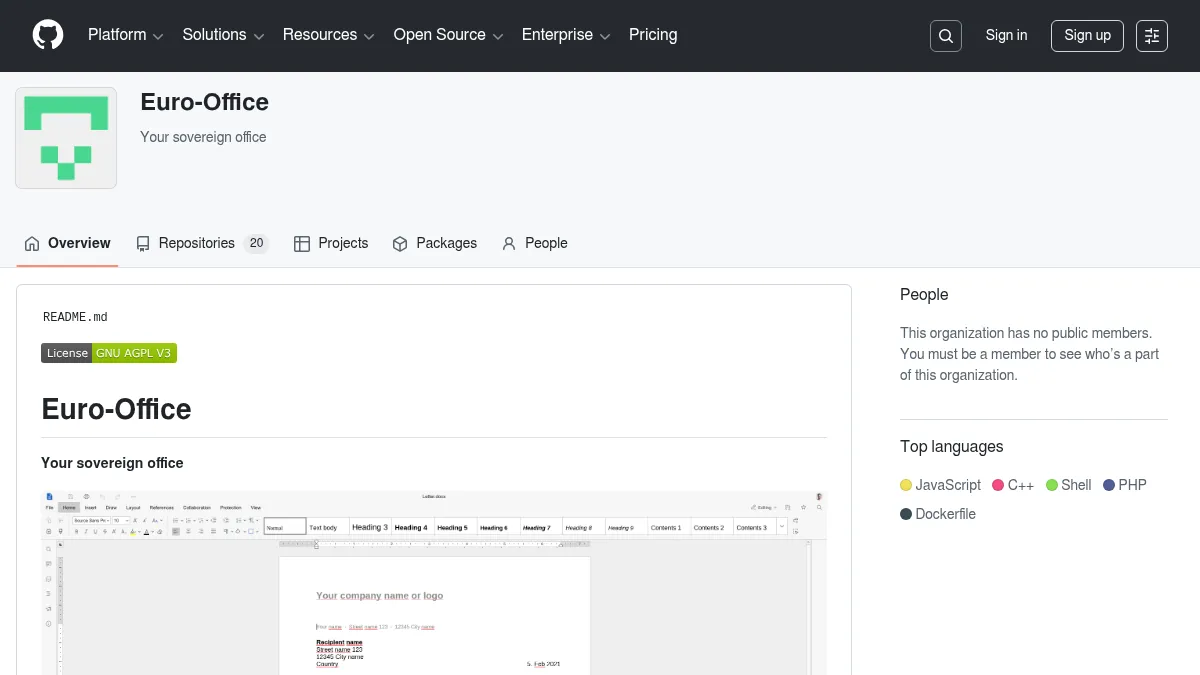
Euro-Office's code is fully open source on GitHub, developed by a coalition of European tech organizations led by IONOS and Nextcloud.
Euro-Office was announced on March 27, 2026, at a press event in Berlin organized by IONOS and Nextcloud. It is backed by a coalition of eight European organizations: IONOS, Nextcloud, Eurostack, XWiki, OpenProject, Soverin, Abilian, and BTactic.
The critical distinction from Office.eu: Euro-Office is not a cloud service you sign up for. It is a document editing component designed to be embedded into platforms that handle storage, authentication, and file management. Think of it as the engine, not the car.
What it includes:
Euro-Office provides four editing applications:
- Document editor - Word processing with Microsoft format compatibility
- Spreadsheet editor - Data and formula management
- Presentation editor - Slide deck creation
- PDF editor - Annotation and editing of PDF files
It supports both Microsoft formats (DOCX, XLSX, PPTX) and OpenDocument formats (ODT, ODS, ODP).
Technology and origins:
Euro-Office is forked from the open-source components of OnlyOffice, the Latvian-founded document editor. The coalition cited several motivations for forking rather than continuing to build on OnlyOffice directly: limited upstream responsiveness to pull requests, outdated build instructions, and geopolitical concerns around OnlyOffice's Russian founding team.
The entire codebase is released under open-source licensing without trademark constraints, and development follows a transparent, community-driven process.
Current status:
A tech preview is available on GitHub (github.com/Euro-Office/DocumentServer). The first stable release is targeted for summer 2026. Mobile and desktop app development are listed as near-term priorities.
Where it stands honestly:
Euro-Office's strength is its governance model. A broad European coalition with transparent open-source development and no trademark encumbrances makes it the kind of infrastructure component that governments and large organizations can build on without vendor dependency.
The weakness is that Euro-Office does nothing on its own. You need a platform like Nextcloud, Proton Docs, or a custom integration to actually use it. For end users, Euro-Office will be invisible, running behind whatever interface their organization chooses. And as a tech preview, it is not production-ready.
Achim Weiss, CEO of IONOS, put it plainly at launch: "With geo-political developments we have seen in the last year, there is a clear need for a sovereign office solution."
Frank Karlitschek, CEO of Nextcloud, added: "Europe has had technical building blocks for years. What was missing was an initiative to bring them together."
The OnlyOffice Licensing Dispute
Euro-Office's launch has not been without friction. Within days of the announcement, OnlyOffice publicly accused the Euro-Office coalition of licensing violations and suspended its longstanding partnership with Nextcloud.
What happened:
OnlyOffice's document editor is published under the AGPL-v3 license, but with additional conditions added in May 2021 under Section 7 of the AGPL. These conditions require derivative works to retain OnlyOffice trademarks and restrict certain trademark usage rights. OnlyOffice argues that Euro-Office violated these conditions by forking the code and removing the trademark requirements.
OnlyOffice's position:
OnlyOffice's legal counsel argues that Section 7 of the AGPL v3 permits copyright holders to impose binding additional conditions, and that removing these conditions from derivative works is "legally unfounded." They maintain that the AGPL v3 does not permit selective application of license terms.
The Euro-Office coalition's response:
Nextcloud and IONOS counter that forking is a fundamental right in open-source software. They cite the Free Software Foundation and AGPL-v3 author Bradley M. Kuhn as supporting their interpretation that the additional trademark conditions are severable from the core license. The coalition states they have "transparently documented the legal classification" in their repository.
The geopolitical dimension:
Part of the subtext here is that OnlyOffice, while legally based in Latvia, was originally founded by Russian developers. In the current political climate, several organizations in the Euro-Office coalition have explicitly cited the desire for an office editor with unambiguous European governance. Whether the license dispute or the geopolitical factor is the primary driver depends on whom you ask.
What it means for users:
For end users evaluating European office options, the dispute creates some uncertainty. OnlyOffice continues to operate and develop its own product independently, and it remains a strong option for organizations comfortable with its governance. Euro-Office, backed by major European infrastructure providers, has industry weight behind its legal interpretation. The practical risk to users of either product is low, but the situation is worth monitoring as it may reach formal legal proceedings.
Head-to-Head: How They Compare
| Office.eu | Euro-Office | Microsoft 365 | Google Workspace | |
|---|---|---|---|---|
| Type | Complete cloud service | Embeddable editor component | Complete cloud service | Complete cloud service |
| Operator | EUfforic Europe BV (NL) | IONOS/Nextcloud coalition (DE) | Microsoft (US) | Google (US) |
| Document editing | Collabora Online (LibreOffice-based) | Forked from OnlyOffice | Microsoft Word/Excel/PowerPoint | Google Docs/Sheets/Slides |
| Included | Not included (platform-dependent) | Outlook | Gmail | |
| Video calls | Included (Nextcloud Talk) | Not included | Microsoft Teams | Google Meet |
| File storage | Included (EU Drive) | Not included (platform-dependent) | OneDrive | Google Drive |
| MS Office format support | Yes (.docx, .xlsx, .pptx) | Yes (.docx, .xlsx, .pptx) | Native | Yes (with conversion) |
| Data sovereignty | EU-only (Hetzner, Helsinki) | Self-hosted or EU provider | US jurisdiction (CLOUD Act) | US jurisdiction (CLOUD Act) |
| Self-hostable | No (managed service) | Yes (open source) | No | No |
| Open source | Core is open source | Fully open source | No | No |
| Available now | Waitlist (Q2 2026 broad) | Tech preview (summer 2026 stable) | Yes | Yes |
The table makes the structural difference clear. Office.eu and the US incumbents are complete cloud services. Euro-Office is a building block. Comparing them directly on features misses the point. They serve different layers of the stack.
European Office Suites You Can Use Today
Both Office.eu and Euro-Office are still in early stages. If you need a European alternative to Microsoft 365 or Google Workspace that works in production right now, several established options deserve your attention.
Infomaniak kSuite (Switzerland)
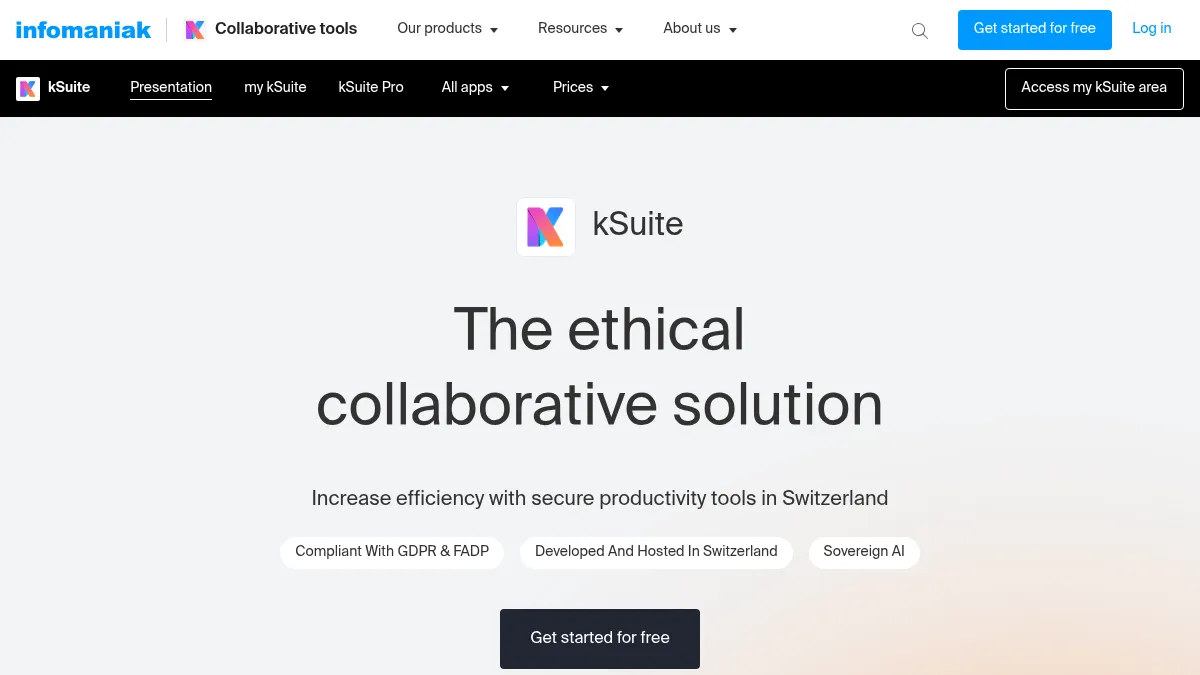
Infomaniak kSuite offers a production-ready Google Workspace alternative with Swiss data residency and ISO 27001 certification.
Infomaniak kSuite is the closest thing to a drop-in Google Workspace replacement available from a European provider today. The Swiss company bundles professional email, calendar, contacts, video conferencing (kMeet), cloud storage (kDrive), and online document editing into a single subscription.
All data is stored in Swiss data centers operated by Infomaniak, a company that runs on 100 percent renewable energy. Infomaniak holds ISO 27001 certification and has built its reputation on privacy-first infrastructure since 1994.
kSuite is particularly well suited for small and medium businesses that want a managed service without the complexity of self-hosting. If you are evaluating alternatives and need something that works this week rather than next quarter, kSuite is the most complete option on this list.
Read our full Infomaniak kSuite profile for detailed features.
OnlyOffice (Latvia)
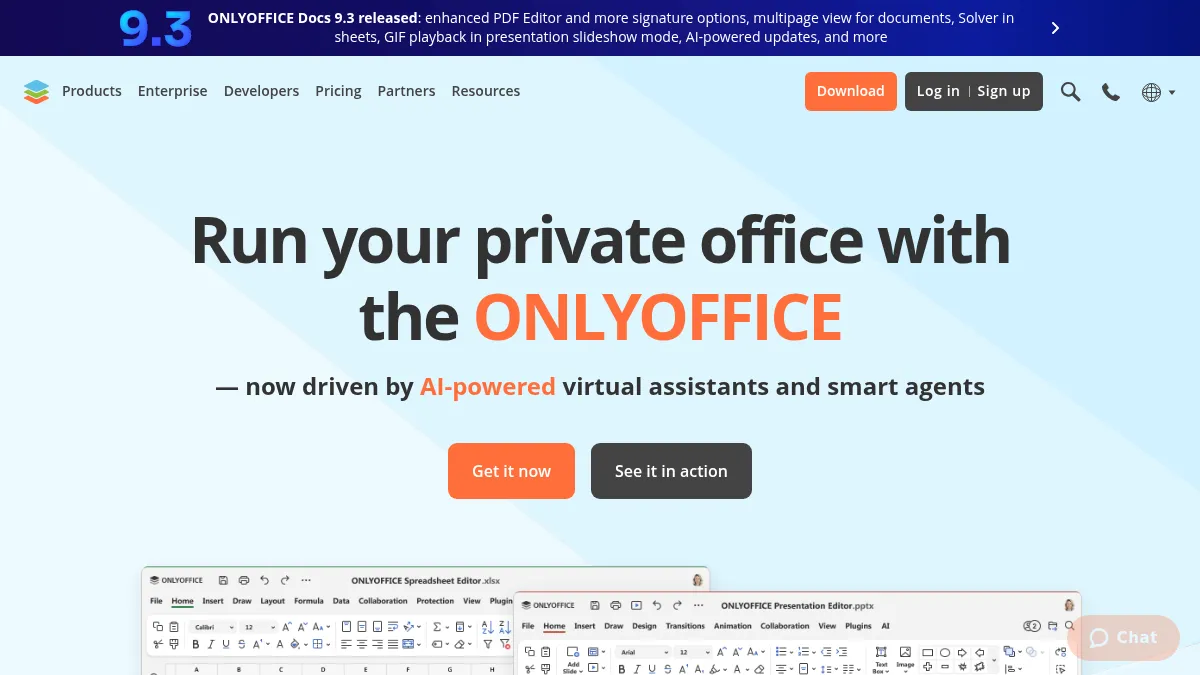
OnlyOffice has been the go-to open-source document editor for organizations that need strong Microsoft Office format compatibility. Available as both a cloud service and a self-hosted deployment, OnlyOffice supports real-time collaboration, version history, and multi-user access control.
Despite the Euro-Office fork and the licensing controversy, OnlyOffice remains actively developed with a large user base. For organizations that want a proven, production-ready document editor today, it is still a solid choice. The self-hosted option gives full control over data residency.
Collabora Online (United Kingdom)
Collabora Online is the technology that powers document editing inside Office.eu, but it is also available independently. Built on LibreOffice, it offers self-hosted deployment, wide document format support, and integration with platforms like Nextcloud, ownCloud, and Seafile.
Collabora holds GDPR, ISO 27001, and SOC 2 certifications. For organizations that already run Nextcloud or another file platform, adding Collabora Online gives you browser-based document editing under your own infrastructure.
CryptPad (France)
If end-to-end encryption is a hard requirement, CryptPad stands alone. This French-built platform encrypts documents before they leave your browser, meaning even the server operators cannot read your content.
CryptPad includes a document editor, spreadsheet, presentation tool, kanban board, and forms. It is open source, self-hostable, and fully GDPR compliant. The trade-off is that its editing experience is less polished than OnlyOffice or Collabora, and Microsoft format compatibility is limited. For privacy-first teams handling sensitive data, that trade-off is worth it.
LibreOffice (Germany)
LibreOffice remains the most mature open-source office suite available. Developed by The Document Foundation in Germany, it runs on Windows, macOS, and Linux with full support for Microsoft Office formats.
LibreOffice is a desktop application, not a cloud service, which means it handles the document editing piece without addressing collaboration, email, or file storage. But for individual users or organizations that already have file sharing infrastructure, it is free, battle-tested, and compatible with virtually every document format in circulation.
For a broader look at moving away from US productivity tools, browse our office suites directory for the full range of European options.
Migration Guide: Moving from Microsoft 365 to a European Stack
Switching productivity suites is not a weekend project for most organizations. But it does not need to happen all at once either. The most practical approach is a phased migration that runs both systems in parallel during transition.
Step 1: Audit Your Current Usage
Before choosing an alternative, document what your team actually uses. Microsoft 365 bundles over a dozen apps, but most organizations rely on four or five daily. Map out which features are critical: email, document editing, spreadsheets, video calls, file storage, or specialized tools like SharePoint or Power Automate.
Step 2: Export Your Data from Microsoft 365
Microsoft provides several export paths:
- OneDrive files - Download directly from the web interface or use the OneDrive desktop sync client to copy files locally
- Outlook email - Export to PST format via File, then Open & Export, then Import/Export
- Individual documents - Save As to .docx, .xlsx, or .pptx format (already compatible with most EU alternatives)
- Full account export - Request a data export through the Microsoft privacy dashboard
For organizations with more than a few hundred gigabytes, plan for the export to take one to three business days.
Step 3: Choose Your European Stack
Based on your audit from Step 1:
- Need everything managed? - Infomaniak kSuite or Office.eu (when broadly available)
- Already run Nextcloud? - Add Collabora Online or wait for Euro-Office stable release
- Maximum privacy required? - CryptPad for documents, Proton Mail for email
- Desktop-first workflow? - LibreOffice with a European cloud storage provider for file sync
Step 4: Run Both Systems in Parallel
Set up your new European stack alongside Microsoft 365 for two to four weeks. Migrate non-critical workflows first: internal documents, team calendars, or a single department. This gives your team time to adapt without disrupting client-facing work.
Step 5: Cut Over and Decommission
Once your team is comfortable, redirect email domains, update shared links, and cancel or downgrade Microsoft 365 subscriptions. Keep a backup of exported data for at least 90 days after the switch.
Time estimates by organization size:
- Individual or family - Half a day to a full day
- Small team (5-20 people) - One to two weeks including parallel running
- Medium business (20-200 people) - Four to eight weeks with phased department rollout
- Enterprise (200+ people) - Three to six months with dedicated migration project
For email migration specifically, check our Microsoft 365 alternatives page for step-by-step guidance.
Frequently Asked Questions
Are there European alternatives to Microsoft Office?
Yes, and the list grew in 2026. Established options include OnlyOffice (Latvia), Collabora Online (UK), LibreOffice (Germany), and CryptPad (France). New entrants Office.eu and Euro-Office both launched in March 2026. For a complete list, browse our office suites category.
What is the difference between Office.eu and Euro-Office?
Office.eu is a complete cloud service (email, documents, storage, video calls) you sign up for and use immediately. Euro-Office is a document editing component that platform operators integrate into their own infrastructure. Office.eu is the car; Euro-Office is the engine.
Can European office suites open Microsoft Office files?
All major European alternatives support .docx, .xlsx, and .pptx formats. OnlyOffice and Euro-Office offer the highest Microsoft format fidelity. Collabora Online and LibreOffice handle most documents well, though complex macros and advanced formatting may require adjustment. CryptPad has limited Microsoft format support due to its encryption-first architecture.
Is Office.eu free?
Office.eu has not published pricing yet. It is expected to be a paid subscription service comparable to Microsoft 365. Euro-Office, by contrast, is free and open-source software, though you need infrastructure to host it.
Which European office suite is ready to use today?
Infomaniak kSuite, OnlyOffice, Collabora Online, CryptPad, and LibreOffice are all production-ready. Office.eu is in phased rollout with broad availability expected in Q2 2026. Euro-Office is in tech preview with a stable release planned for summer 2026.
Is Europe ditching Microsoft?
Not overnight, but the direction is clear. Germany's Deutschland-Stack initiative, France's sovereign cloud doctrine, and multiple national Data Protection Impact Assessments on Microsoft 365 all point toward reducing dependency on US cloud services. The launch of Office.eu and Euro-Office in the same month reflects growing market demand, not just political aspiration.
Will Euro-Office replace OnlyOffice?
Euro-Office is a fork of OnlyOffice, not a replacement. Both products will continue to exist and develop independently. OnlyOffice has suspended its partnership with Nextcloud over the fork, but it remains a strong product with its own roadmap. Organizations currently using OnlyOffice do not need to switch.
Can I self-host these European office suites?
Euro-Office, OnlyOffice, Collabora Online, CryptPad, and LibreOffice are all self-hostable. Office.eu is a managed service only. Infomaniak kSuite is also managed. For maximum data sovereignty, self-hosting on European infrastructure like Hetzner or OVHcloud gives you full control. For the related comparison on knowledge management tools, see our guide to EU alternatives to Notion.
Which One Should You Choose?
Two European office suites launched in the same month, both backed by existing infrastructure companies and open-source coalitions.
Here is how to think about your options:
Choose Office.eu if you want a managed, all-in-one cloud workspace and are willing to wait for broad availability in Q2 2026. Best for SMEs and organizations that want the simplicity of Microsoft 365 without the US data jurisdiction.
Choose Euro-Office if you are a platform operator, hosting provider, or organization that self-hosts Nextcloud and wants a community-governed document editor free from vendor lock-in. Wait for the stable release in summer 2026.
Choose Infomaniak kSuite if you need a production-ready European workspace today. It is the most complete managed alternative currently available, with Swiss data residency and ISO 27001 certification. Try Infomaniak kSuite.
Choose CryptPad if end-to-end encryption is non-negotiable and you are comfortable with a less polished editing experience in exchange for zero-knowledge privacy.
Choose LibreOffice + EU cloud storage if your workflow is desktop-first and you just need reliable document editing with a European file sync solution underneath.
The tools exist. The political will exists. What remains is adoption, and that starts with organizations making the switch one department, one workflow, and one file at a time.
Explore all options in our office suites directory, or compare Microsoft 365 alternatives and Google Workspace alternatives in our full directory.
Products Mentioned
Collabora Online is a document editing suite that allows collaborative editing of text documents, spreadsheets, presentations, and graphics. It can be integrated into various platforms and accessed via desktop, mobile, or online applications. The suite supports a wide range of document formats and offers customizable integrations.
CryptPad is a secure, collaborative office suite designed to protect your privacy while enabling seamless teamwork. With end-to-end encryption, CryptPad ensures that only you and your collaborators can access your documents, making it an ideal choice for privacy-conscious users. Its real-time collaborative editing feature allows multiple users to work on documents simultaneously, enhancing productivity without compromising security. Key features include GDPR-compliant data handling, customizable templates, and version history tracking, all hosted within the EU to ensure data sovereignty. CryptPad is open source and community-driven, offering transparency and flexibility to its users. It is perfect for individuals, teams, and organizations that prioritize data privacy and need a reliable platform for document creation and sharing. CryptPad's pricing model includes a free tier with optional paid plans for additional storage and features, making it accessible for both personal and professional use.
Cloud-based productivity suite offering Gmail, Google Docs, Drive, Meet, and Calendar for businesses and teams of all sizes.
Complete collaborative office suite from Switzerland. Includes email, calendar, contacts, video conferencing, cloud storage (kDrive), and online document editing. A privacy-focused alternative to Google Workspace.
Free office suite – the evolution of OpenOffice. Compatible with Microsoft .doc, .docx, .xls, .xlsx, .ppt, .pptx. Updated regularly, community powered.
Microsoft's cloud productivity suite including Word, Excel, PowerPoint, Outlook, Teams, and OneDrive for businesses and individuals.
Related Articles
Tresorit vs Dropbox: End-to-End Encryption vs Convenience (2026)
Dropbox encrypts files on their servers but holds the keys. Tresorit uses zero-knowledge encryption, only you can decrypt your files. Here's the complete security, feature, and pricing comparison.
ComparisonsProton Mail vs Gmail: Privacy & Security Comparison 2026
Google says it does not scan Gmail to show you ads. What actually changes when you switch to Proton Mail is the encryption model, the jurisdiction and the business model.
ComparisonsMailchimp vs Brevo (+ European Alternatives): GDPR Email Marketing 2026
Mailchimp's contact-based pricing has climbed steadily under Intuit ownership. Brevo charges per email sent and runs from France, usually 60 to 85% cheaper for lists over 10,000 subscribers. Plus migration steps and the wider European alternatives list.
Ready to Switch to EU Alternatives?
Explore our directory of 400+ European alternatives to US tech products.
