
Mailchimp vs Brevo (+ European Alternatives): GDPR Email Marketing 2026
Mailchimp's contact-based pricing has climbed steadily under Intuit ownership. Brevo charges per email sent and runs from France, usually 60 to 85% cheaper for lists over 10,000 subscribers. Plus migration steps and the wider European alternatives list.

Quick answer: Brevo (Paris, formerly Sendinblue) is the most direct European replacement for Mailchimp on cost and feature breadth. It charges per email sent rather than per contact stored, which usually works out 60 to 85 percent cheaper for lists over 10,000 subscribers. For wider needs, Rapidmail (Germany) covers simple newsletters, EmailLabs (Poland) handles transactional email, and Proton Mail, Tuta, and Mailfence cover encrypted business email.
Mailchimp is the default email marketing tool for most businesses. It is also a US company under the CLOUD Act, and its pricing has climbed steadily since Intuit's $12 billion acquisition in September 2021. Both are reasons for European businesses to look at the alternatives.
This guide covers the Mailchimp-vs-Brevo head-to-head in detail, then the other European platforms, and ends with a step-by-step migration plan.
What this guide covers:
- Complete Mailchimp vs Brevo feature-by-feature comparison
- Step-by-step migration guide (4-6 hours total)
- Other European alternatives (Rapidmail, EmailLabs)
- Privacy-focused email providers (Proton Mail, Tuta Mail, Mailfence)
- Real cost scenarios with detailed savings calculations
Why Email Marketing Data Residency Matters Under GDPR
Your email list typically contains:
- Personal contact information (names, email addresses, phone numbers)
- Behavioral data (email opens, clicks, engagement history)
- Segmentation and preference information
- Purchase or interaction history
- IP addresses and device information
- Location data (inferred from engagement patterns)
Under GDPR Article 4(1), this is clearly personal data.
Under the US CLOUD Act (Clarifying Lawful Overseas Use of Data Act, passed in 2018), American companies can be compelled to provide data to US authorities regardless of where the data is physically stored.
What this means in practice:
Even if Mailchimp (Intuit) stores your EU subscriber data on European servers, US law enforcement can still compel Intuit to hand over that data without your knowledge. The CLOUD Act supersedes data residency protections.
Following the invalidation of Privacy Shield (Schrems II ruling, July 2020), EU data transfers to US companies rely on Standard Contractual Clauses (SCCs). However, the European Data Protection Board has made clear that SCCs alone may not be sufficient when US surveillance laws apply.
Bottom line: This doesn't make using US platforms illegal, but it does create compliance complexity. Many EU businesses prefer platforms based in the EU or EEA to simplify GDPR compliance and avoid potential challenges from data protection authorities.
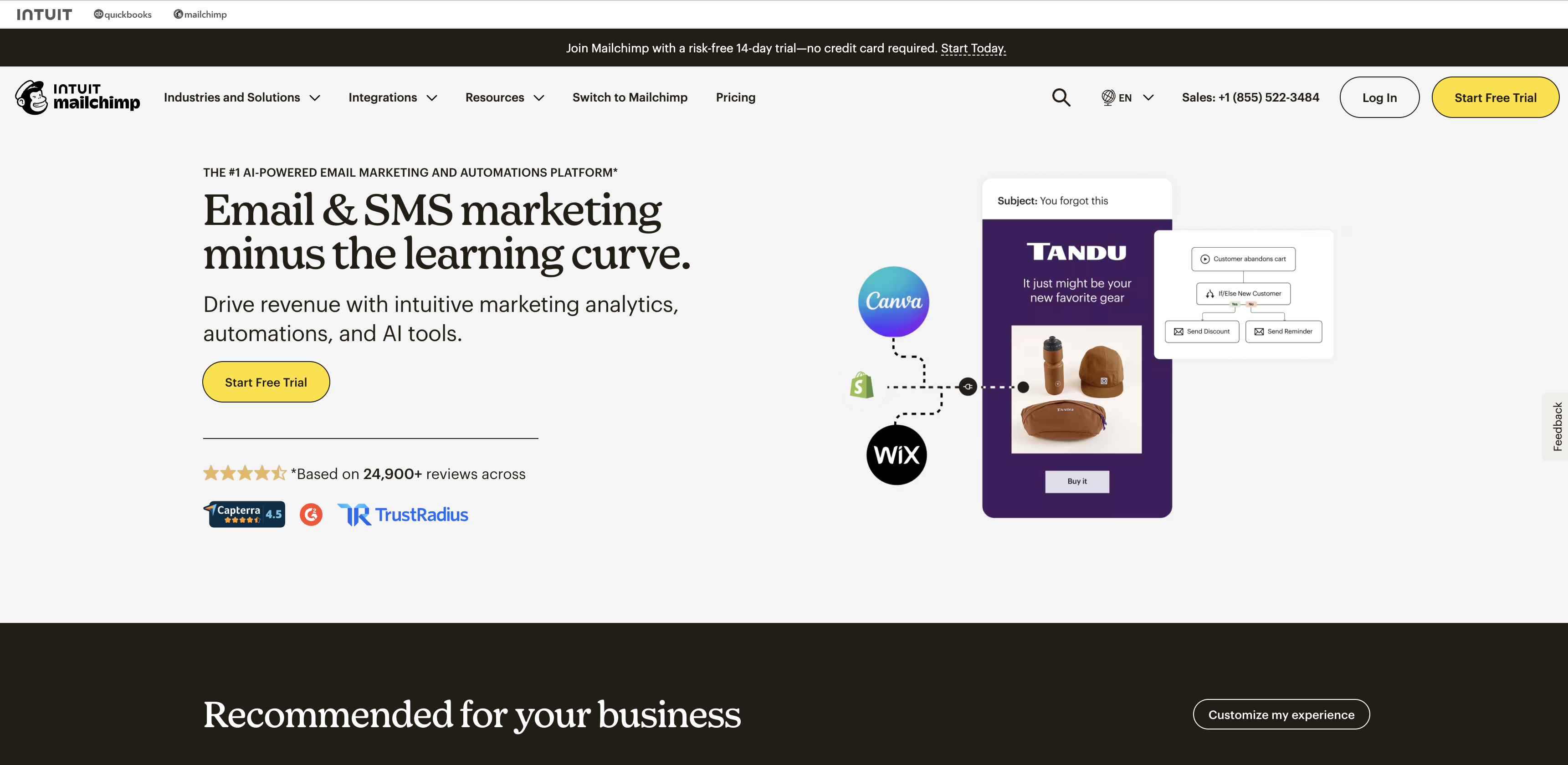
Mailchimp (Intuit) positions itself as an all-in-one platform, but charges based on total contacts, including duplicates, unsubscribed, and bounced addresses.
The price-history pattern:
Mailchimp's pricing has climbed in roughly annual steps since the Intuit acquisition:
- 2022: about 16% increase across most tiers
- November 2023: an additional 7 to 14.5% increase depending on plan level
- Several features moved from lower to higher tiers in the same period
This is the standard post-acquisition pattern: new ownership optimises for profitability, often at the expense of existing customers, and switching costs (time, effort, complexity) make many of those customers stay. The relevance for budgeting is that future increases are likely. Brevo's pricing has been more stable over the same window, though no provider can promise that forever.
The Hidden Costs of Contact-Based Pricing
Mailchimp's pricing model charges based on the total number of contacts in your database, not the number of emails you actually send. This creates several hidden costs that many businesses only discover after months of use.
What Counts as a "Contact" in Mailchimp:
Mailchimp charges for EVERY contact in your audience, including:
- ✅ Active, engaged subscribers (the ones you want to pay for)
- ❌ Unsubscribed contacts (they won't receive emails, but you're still charged)
- ❌ Duplicate email addresses across segments or lists (each duplicate counts separately)
- ❌ Bounced email addresses (invalid addresses still count toward your total)
- ❌ Non-subscribed contacts added for segmentation purposes
Real Cost Impact:
For a typical business, 10-15% of contacts in a Mailchimp database are "dead weight", duplicates, unsubscribed users, or bounced addresses that will never receive another email.
Example calculation:
- List size: 15,000 contacts
- Dead weight: 10% (1,500 contacts)
- Mailchimp Standard plan: $183/month
- Cost for non-deliverable contacts: ~$18/month ($216/year)
- Annual waste: $216 paying for contacts that never receive emails
For a 50,000-contact list with 10% dead weight, you're spending ~$588/year on contacts that will never open an email.
Why This Happens:
- Duplicate imports: When you import contacts multiple times or from different sources, Mailchimp may create duplicates instead of merging them
- Unsubscribed contacts: Mailchimp keeps unsubscribed contacts in your audience (for compliance/history) but continues charging for them
- Bounced addresses: Hard bounces (invalid emails) remain in your contact count until manually cleaned
- Multi-list strategies: Many businesses maintain separate lists for different products/segments, leading to the same person being counted multiple times
Contact-Based vs Email-Based Pricing:
| Pricing Model | What You Pay For | Hidden Costs | Best For |
|---|---|---|---|
| Contact-based (Mailchimp) | Total contacts in database | Duplicates, unsubscribed, bounced contacts all count | Frequent senders with clean, small lists |
| Email-based (Brevo) | Actual emails sent | None - only pay for what you send | Any list size, especially larger or less-clean lists |
Brevo's Advantage:
Brevo charges based on emails sent, not contacts stored. This means:
- ✅ Store unlimited contacts on all plans (even the free tier)
- ✅ Duplicates don't cost extra, you only pay when you send
- ✅ Unsubscribed contacts don't inflate your bill
- ✅ Clean your list at your own pace without immediate cost impact
- ✅ Segment freely without worrying about multi-list charges
When Contact-Based Pricing Makes Sense:
Mailchimp's contact-based pricing can be cost-effective if you:
- Have a small list (under 2,000 contacts)
- Send very frequently (daily or multiple times per week)
- Maintain extremely clean data with no duplicates
- Have high engagement rates (most contacts regularly open emails)
For most businesses, especially those with 10,000+ contacts sending 2-8 times per month, email-based pricing saves significantly while eliminating hidden contact-based costs.
European Email Marketing Platforms
Brevo (France) - Best Overall Alternative
Formerly known as Sendinblue, Brevo is one of the largest European email marketing platforms. Founded in 2012 and based in Paris, Brevo has grown to serve over 600,000 businesses worldwide with email marketing, automation, and CRM tools.
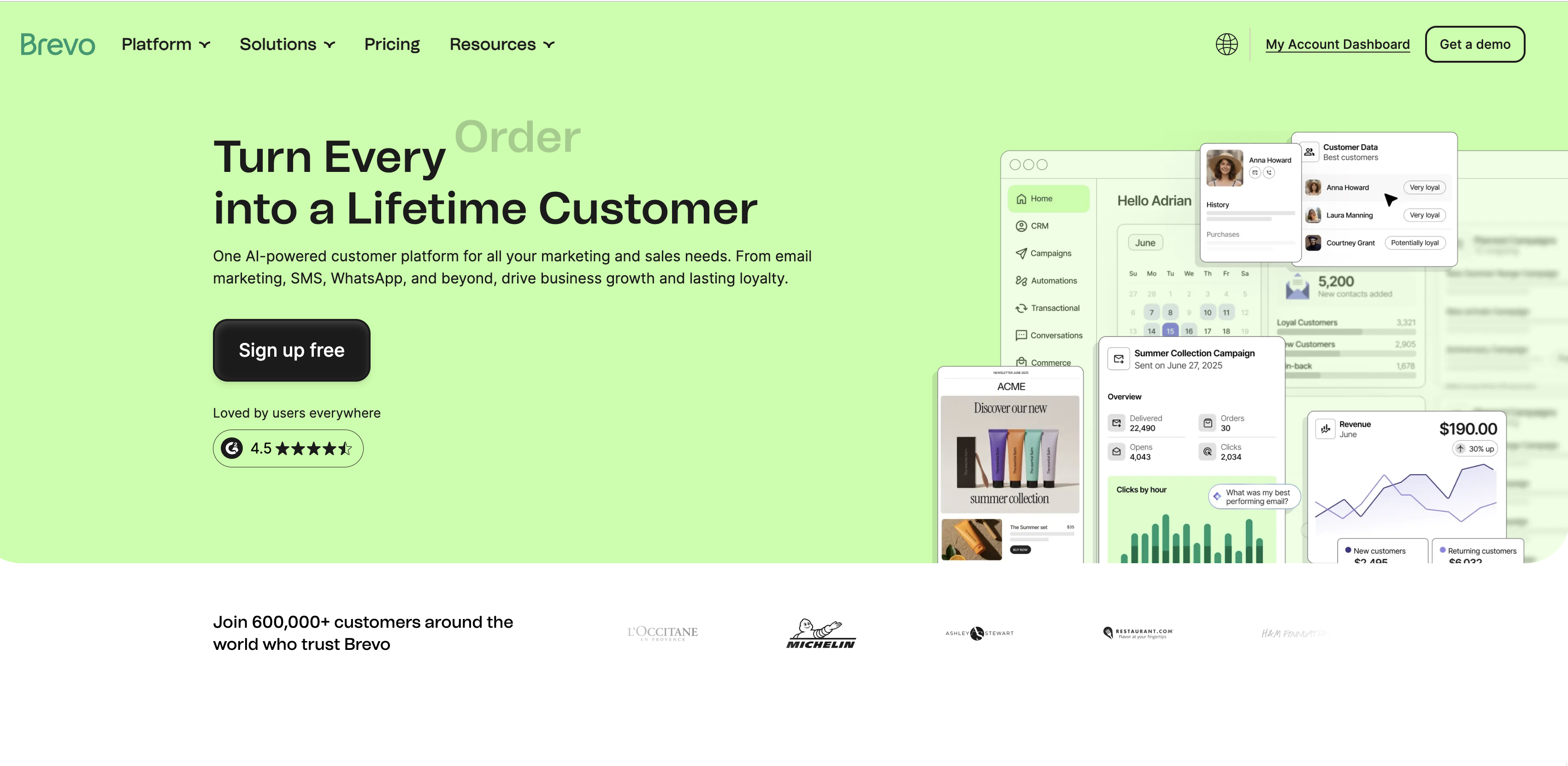
Brevo's EU-based platform combines email, SMS, and WhatsApp marketing with CRM, trusted by 600,000+ businesses at 60-85 percent lower cost than Mailchimp.
Infrastructure & Compliance:
- Headquarters: Paris, France
- Data centers: EU-based (France and Germany)
- GDPR-native platform since inception
- ISO 27001 certified
- Regular third-party security audits
- Data Processing Agreement (DPA) available
What it offers:
Email Marketing:
- Drag-and-drop email builder with 40+ responsive templates
- A/B testing (subject lines, content, send times)
- Advanced segmentation (behavior, engagement, custom fields)
- Real-time analytics and reporting
- Deliverability optimization tools
- Unlimited contact storage (pricing based on emails sent)
Marketing Automation:
- Visual workflow builder
- Behavioral triggers (opens, clicks, website visits)
- Multi-channel automation (email + SMS)
- Lead scoring
- Contact attribute updates
- Integration with 150+ tools (Shopify, WooCommerce, WordPress, Salesforce, etc.)
Transactional Email:
- Dedicated SMTP infrastructure
- 99%+ deliverability rate
- API for developers
- Real-time webhooks
- Email validation service included
SMS & WhatsApp Marketing:
- SMS campaigns included in all paid plans
- WhatsApp Business messaging (broadcast campaigns, automation)
- Two-way SMS and WhatsApp conversations
- SMS automation workflows
- 160+ countries supported for SMS
- Mobile Wallet integration (digital coupons, loyalty cards)
CRM Features:
- Contact management dashboard
- Deal pipeline tracking
- Task management
- Company records
- Sales reporting
The Pricing Advantage:
This is where Brevo significantly differs from Mailchimp. Instead of charging based on the number of contacts you have, Brevo charges based on the number of emails you send.
Brevo Pricing (February 2026):
- Free: 300 emails/day (9,000/month, unlimited contacts) - ideal for testing or very small newsletters
- Starter: €7/month for 5,000 emails (includes basic email marketing and templates)
- Business: €15/month for 20,000 emails (adds marketing automation, A/B testing, advanced statistics, SMS)
- Professional: €499/month for 150,000+ emails (custom volumes available)
- Enterprise: Custom pricing with dedicated support and white-label options
Cost Comparison Example:
If you have 25,000 subscribers and send 4 emails per month (100,000 emails total):
- Mailchimp Standard: $276/month (charges for contact count)
- Brevo Business: €15/month (~$16) for 20,000 emails + €0.50/1,000 for 80,000 more = ~$56/month
- Savings:
80% cheaper with Brevo ($2,640/year saved)
If you have 10,000 subscribers and send 2 emails per month (20,000 emails total):
- Mailchimp Standard: $138/month (charges for contact count)
- Brevo Business: €15/month (~$16) for 20,000 emails
- Savings:
88% cheaper with Brevo ($1,464/year saved)
The larger your list and the less frequently you send, the more you save with Brevo's email-based pricing model. Plus, Brevo doesn't charge for duplicate contacts or unsubscribed contacts, a hidden cost trap in Mailchimp's contact-based pricing.
Cost example: A 25,000-subscriber list sending weekly (400,000 emails/month) costs roughly $276/month on Mailchimp Standard versus around $70/month on Brevo Business, a difference of about $2,500 per year. Mailchimp charges for every contact in your database (including unsubscribed and duplicate contacts); Brevo charges per email sent.
Real-World Performance:
Deliverability: Brevo maintains dedicated IP addresses and strong sender reputation. In independent testing, Brevo consistently achieves 95%+ inbox placement rates across major email providers (Gmail, Outlook, Yahoo).
Automation Capabilities: While not quite as polished as Mailchimp's Customer Journeys feature, Brevo's automation builder covers the same use cases:
- Welcome series for new subscribers
- Abandoned cart recovery (ecommerce)
- Re-engagement campaigns for inactive contacts
- Birthday and anniversary emails
- Post-purchase follow-ups
- Lead nurturing sequences
Who Should Choose Brevo:
Ideal for:
- Growing businesses with large lists - The email-based pricing saves significantly at scale
- European businesses - GDPR compliance is built-in, not an afterthought
- Ecommerce stores - Abandoned cart automation, transactional email, and SMS in one platform
- SaaS companies - Transactional email API + marketing automation combined
- Agencies - Multi-client management, white-label options on Enterprise plans
Use Cases:
- Newsletter publishers with 10k+ subscribers sending 2-4x per month
- Online stores needing abandoned cart, shipping notifications, and promotional emails
- B2B companies requiring lead nurturing and sales pipeline integration
- Membership sites with automated onboarding sequences
Honest Limitations:
While Brevo is excellent for most use cases, it's not perfect:
- Email templates: Fewer pre-built templates than Mailchimp (40 vs 100+). However, templates are modern and fully customizable.
- UI polish: Slightly less intuitive than Mailchimp for absolute beginners. Most users adapt within 1-2 hours.
- Advanced reporting: Mailchimp offers more granular analytics on higher tiers. Brevo's reporting is solid but less detailed.
- Third-party integrations: Fewer native integrations than Mailchimp (150 vs 300+), though major platforms (Shopify, WordPress, Salesforce) are covered.
Migration Difficulty: ⭐⭐ (Easy to Moderate)
Most businesses can complete the migration in 3-6 hours. Contacts export/import easily via CSV. Automations need to be rebuilt, but Brevo's workflow builder is straightforward.
Try Brevo free - no credit card required →
Rapidmail (Germany)
Rapidmail focuses specifically on email newsletters rather than trying to be a full marketing platform. They've been operating since 2008.
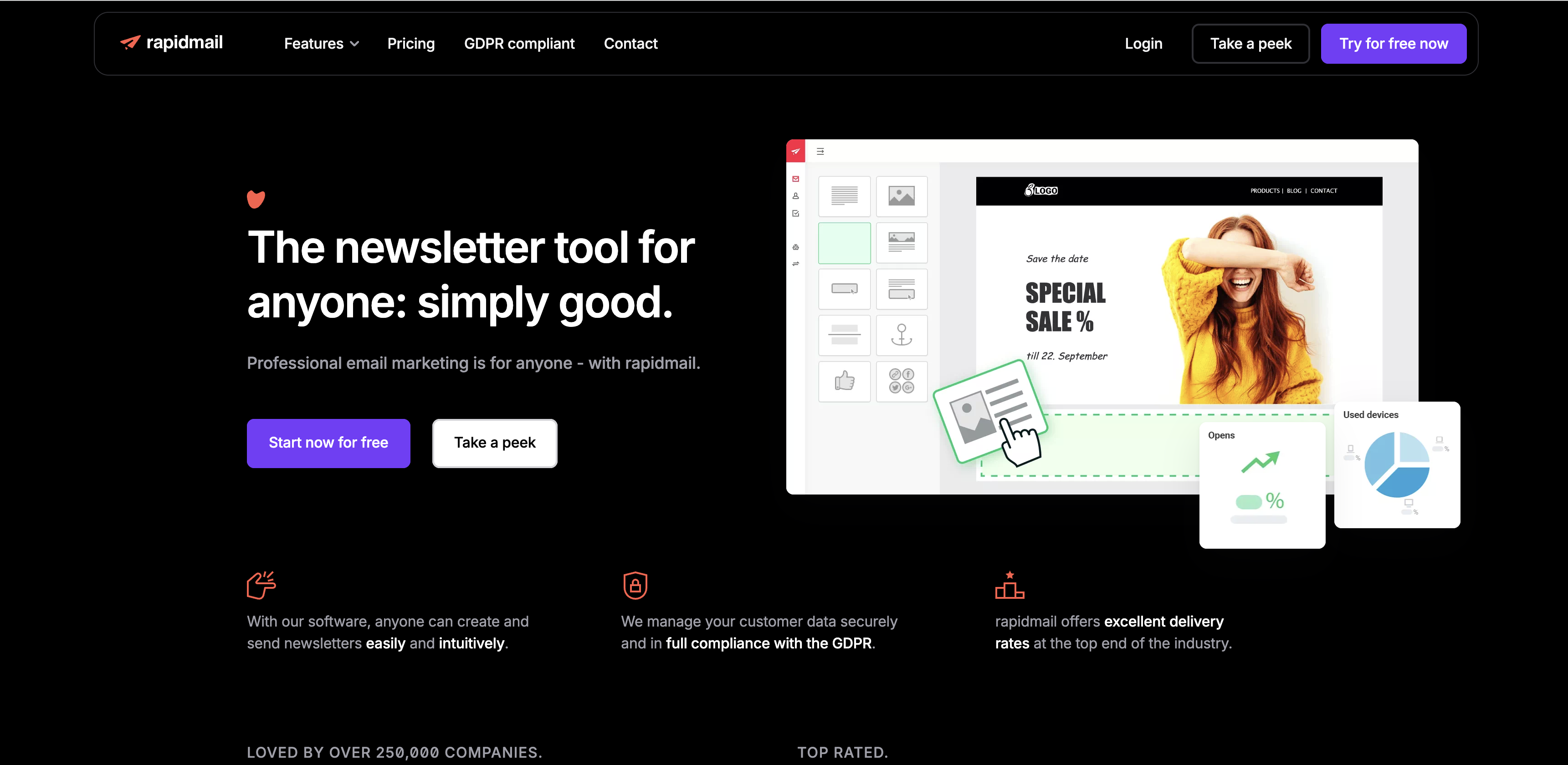
Rapidmail's newsletter tool emphasizes simplicity and GDPR compliance, trusted by over 250,000 companies for straightforward email marketing.
What it offers:
- Newsletter creation and sending
- Template editor
- Basic automation (autoresponders)
- List management
- Deliverability focus
Notable: German company with a reputation for strong deliverability and straightforward pricing.
Considerations: Limited automation compared to full-featured marketing platforms. Best suited for straightforward newsletter use cases.
Pricing: Pay-per-email model starting around €9 for 500 emails. See current pricing
For Transactional Email: EmailLabs (Poland)
EmailLabs serves a different need: transactional emails rather than marketing campaigns. This includes order confirmations, password resets, shipping notifications, and similar automated messages.
EmailLabs' email sending service focuses on deliverability and API integration, built for developers who need reliable transactional email infrastructure.
What it offers:
- Transactional email API
- Delivery monitoring
- Analytics and reporting
- Developer-friendly integration
Notable: Based in Poland, focused specifically on transactional email infrastructure.
Considerations: Not for marketing campaigns or newsletters, this is email infrastructure for automated system messages.
Pricing: Volume-based. Contact for specifics.
Privacy-Focused Email Providers
If your needs extend beyond marketing to secure business communications, these EU-based providers offer encrypted email:
Proton Mail (Switzerland)
Proton Mail is one of the world's largest encrypted email providers, based in Switzerland with strong privacy laws.
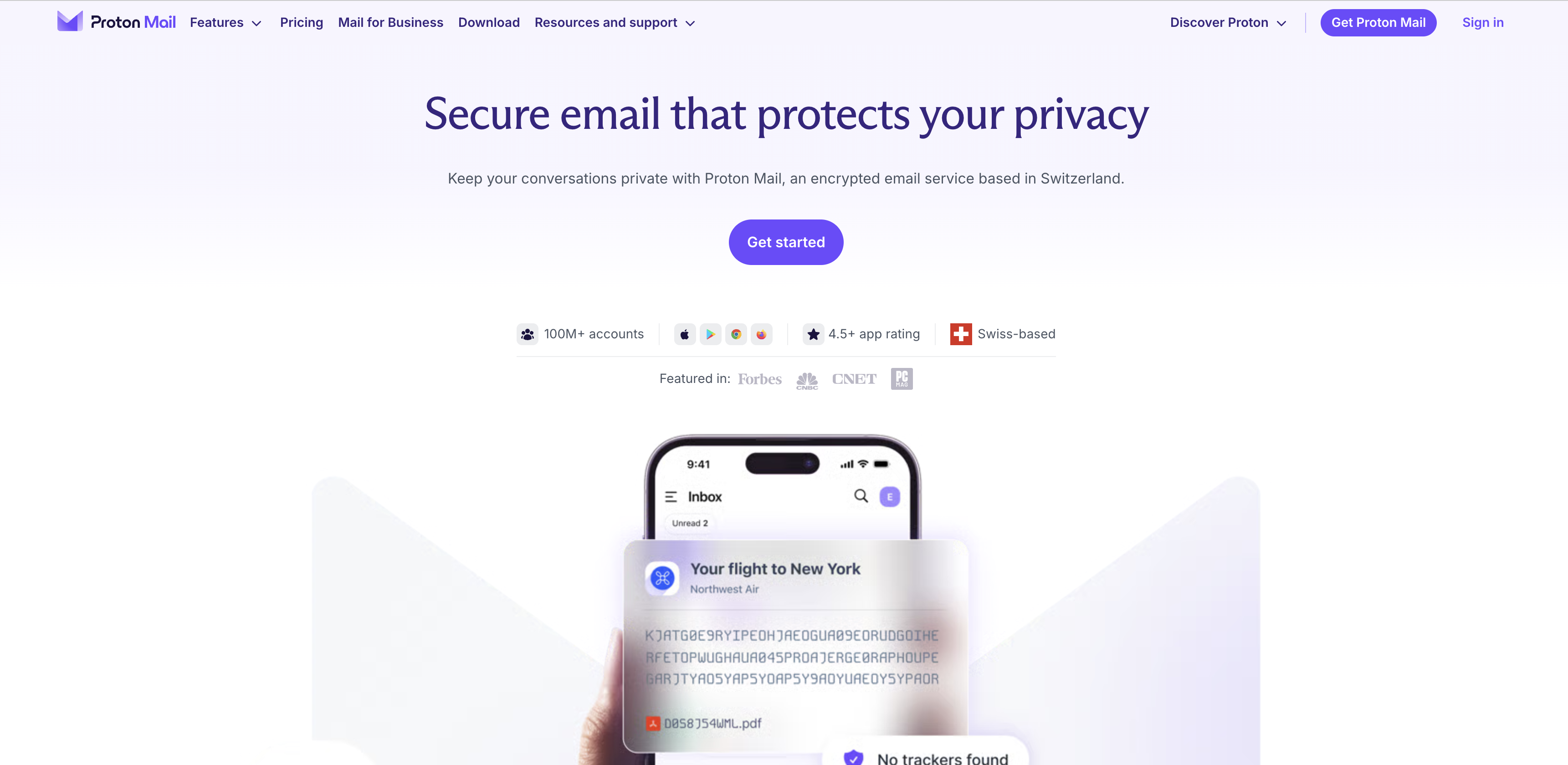
Proton Mail offers end-to-end encrypted email from Switzerland, trusted by 100M+ accounts worldwide for maximum privacy protection.
Key features: End-to-end encryption, zero-access architecture, Swiss privacy laws, 100M+ accounts, mobile apps for iOS/Android.
Tuta Mail (Germany)
Tuta Mail (formerly Tutanota) provides German-engineered encrypted email with a focus on privacy and ease of use.
Tuta Mail's "Turn ON Privacy" approach delivers end-to-end encrypted email, calendar, and contacts, all protected with quantum-safe encryption.
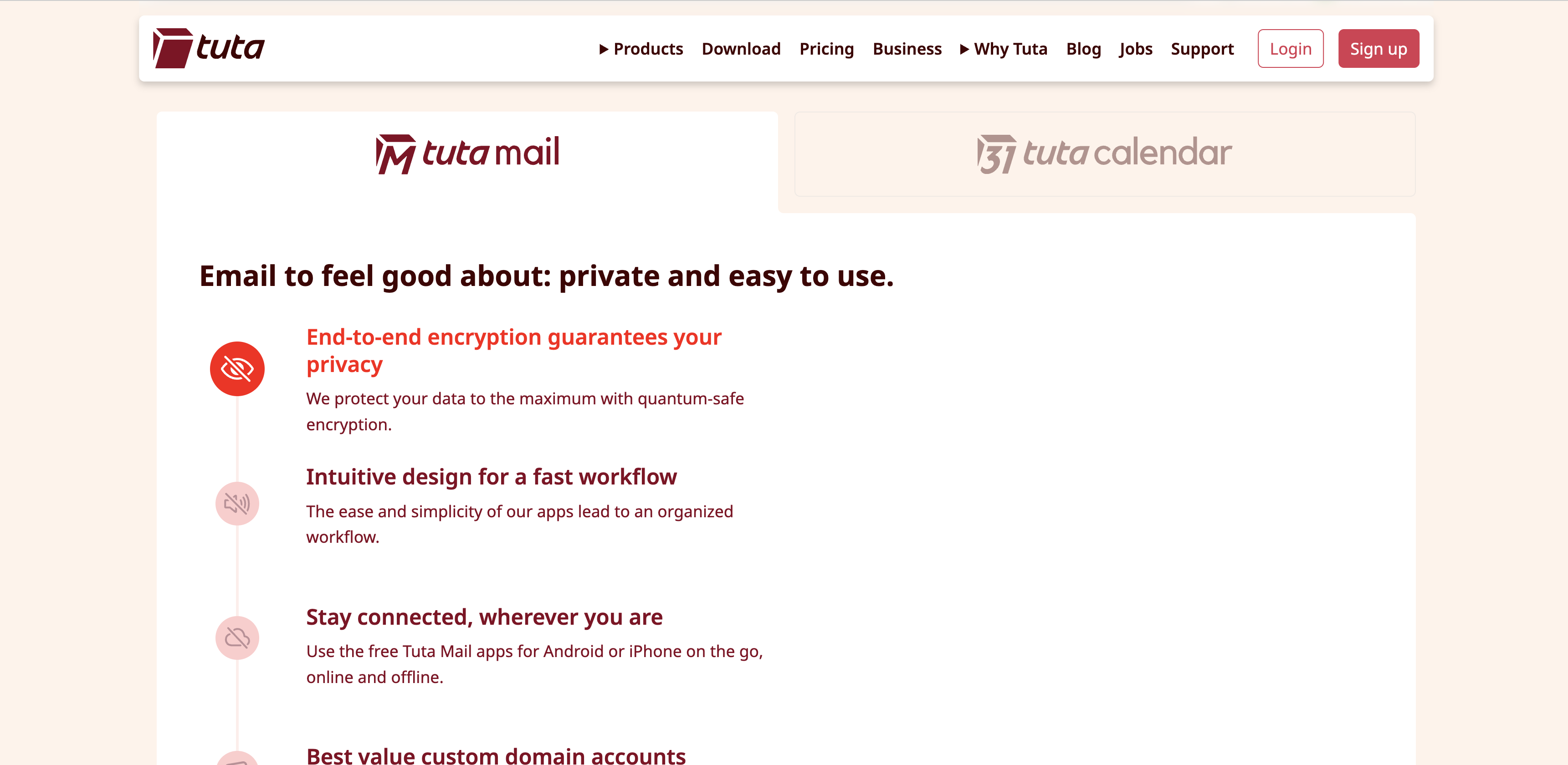
Tuta Mail's feature set emphasizes privacy-first design with quantum-safe encryption, intuitive workflow, and seamless access across devices.
Key features: End-to-end encryption for email/calendar/contacts, quantum-resistant encryption, German privacy laws, open-source code.
Mailfence (Belgium)
Mailfence combines encrypted email with productivity features like calendar, documents, and groups, all hosted in Belgium.
Mailfence's secure email service reclaims your privacy with end-to-end encryption, hosted entirely in Belgium under EU privacy laws.
Key features: End-to-end encryption, Belgian hosting, integrated calendar/documents/groups, digital signatures, no ads.
Note: These serve different purposes than marketing platforms (Brevo, Rapidmail) but are worth knowing about for organizational email needs and business communications.
Feature Comparison: Mailchimp vs European Alternatives
| Feature | Mailchimp | Brevo | Rapidmail | EmailLabs |
|---|---|---|---|---|
| Headquarters | USA (Georgia) | France (Paris) | Germany | Poland |
| Data Centers | US + EU | EU only | EU only | EU only |
| GDPR Compliance | Via SCCs | Native | Native | Native |
| Pricing Model | Per contact | Per email sent | Per email sent | Per email sent |
| Free Tier | 500 emails/mo (500 contacts) | 300 emails/day = 9,000/mo (unlimited contacts) | No | Contact for details |
| Email Editor | Excellent | Good | Good | Basic (API-focused) |
| Templates | 100+ | 40+ | 50+ | N/A |
| Marketing Automation | Advanced | Advanced | Basic | No |
| A/B Testing | Yes (paid plans) | Yes (all plans) | Limited | No |
| Transactional Email | Via Mandrill (separate service, extra cost) | Built-in (all paid plans) | No | Primary focus |
| SMS Marketing | No (requires third-party integration) | Yes (included on paid plans) + WhatsApp | No | No |
| CRM Features | Basic | Built-in | No | No |
| API Access | Yes | Yes | Limited | Yes (primary interface) |
| Segmentation | Advanced | Advanced | Basic | N/A |
| Deliverability | Excellent | Excellent | Very Good | Excellent |
| Support | Email, chat | Email, chat | Email, dedicated support | |
| Best For | Beginners, all-in-one | Cost-conscious, EU businesses | Simple newsletters | Developers, transactional |
Detailed Pricing Comparison
Understanding the real cost differences requires looking at specific scenarios:
Scenario 1: Small Business Newsletter (5,000 subscribers, 4 emails/month = 20,000 emails)
- Mailchimp Standard: $68/month = $816/year
- Brevo Business: €15/month (~$16) = ~$192/year
- Rapidmail: ~€20/month = ~$240/year
- Winner: Brevo (76% cheaper than Mailchimp, saves $624/year)
Hidden cost: If 10% of your Mailchimp contacts are duplicates or unsubscribed (500 contacts), you're paying ~$7/month for contacts that never receive emails.
Scenario 2: Growing Business (15,000 subscribers, 8 emails/month = 120,000 emails)
- Mailchimp Standard: $183/month = $2,196/year
- Brevo Business: €15/month base + overage for 100,000 emails (~$70/month total) = ~$840/year
- Rapidmail: ~€85/month = ~$1,020/year
- Winner: Brevo (62% cheaper than Mailchimp, saves $1,356/year)
Hidden cost: With 10% duplicate/unsubscribed contacts (1,500), Mailchimp charges ~$18/month for non-deliverable addresses.
Scenario 3: Large List (50,000 subscribers, 4 emails/month = 200,000 emails)
- Mailchimp Standard: $490/month = $5,880/year
- Brevo Business: €15/month base + overage for 180,000 emails (~$120/month total) = ~$1,440/year
- Rapidmail: ~€180/month = ~$2,160/year
- Winner: Brevo (76% cheaper than Mailchimp, saves $4,440/year)
Hidden cost: With 10% duplicate/unsubscribed contacts (5,000), Mailchimp charges ~$49/month ($588/year) for contacts that never receive emails.
Key Insight: The larger your list and the less frequently you send, the more dramatic the savings with Brevo's email-based pricing become.
Customer quote: "Brevo gives us the functionality we need while saving us $30,000 annually compared to HubSpot." (Kevin Yen, Head of Growth at AI Camp)
For most European businesses with 10,000+ subscribers, Brevo's per-email pricing works out 60 to 85% cheaper than Mailchimp at equivalent feature parity.
Multichannel Marketing: Email + SMS + WhatsApp
One of Brevo's most significant advantages over Mailchimp is native multichannel marketing. While Mailchimp focuses exclusively on email (requiring third-party integrations for SMS), Brevo includes email, SMS, and WhatsApp marketing in a unified platform.
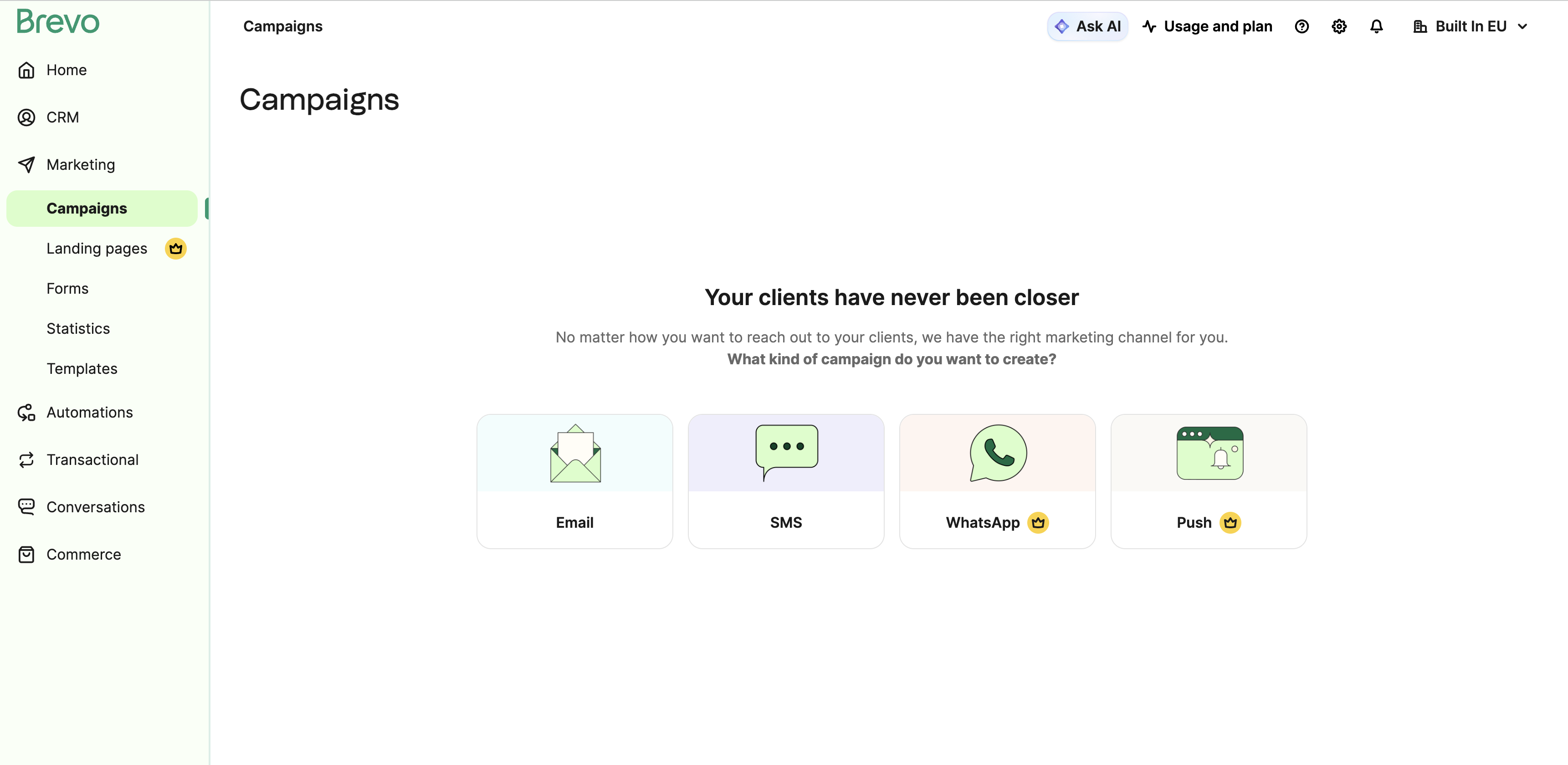
Brevo's unified campaigns dashboard, create Email, SMS, WhatsApp, or Push campaigns from one platform without third-party integrations.
Why Multichannel Matters:
Email alone has a ~20% average open rate. Adding SMS pushes campaign engagement significantly higher. Here's how the channels compare:
- Email: Best for detailed content, newsletters, long-form updates (average 20% open rate)
- SMS: Ideal for time-sensitive offers, reminders, alerts (average 98% open rate, 90% read within 3 minutes)
- WhatsApp: Perfect for conversational marketing, customer support, order updates (70%+ open rate globally)
What Brevo Offers (Mailchimp Doesn't):
| Feature | Brevo | Mailchimp |
|---|---|---|
| Email Marketing | ✅ Included | ✅ Included |
| SMS Campaigns | ✅ Included on paid plans | ❌ Requires third-party integration (Zapier + SMS provider) |
| WhatsApp Business | ✅ Included on paid plans | ❌ Not available |
| Unified Automation | ✅ Email + SMS + WhatsApp in one workflow | ❌ Email only |
| Single Contact Database | ✅ One database for all channels | ❌ Email only, SMS requires separate tool |
Real-World Use Cases:
1. Abandoned Cart Recovery (Ecommerce)
Brevo automation sequence:
- 15 minutes after cart abandonment: Send email with product reminder
- 1 hour later (if email unopened): Send SMS with 10% discount code
- 24 hours later (if no purchase): Send WhatsApp message with personalized help offer
Why it works: Each channel reaches customers with different communication preferences. SMS cuts through email noise for mobile-first shoppers. WhatsApp feels more personal and conversational.
Mailchimp approach: Email only. To add SMS, you'd need to:
- Subscribe to a third-party SMS service (Twilio, SimpleTexting, etc.) - adds $20-50/month
- Set up Zapier integration ($29+/month) or custom API development
- Maintain separate contact databases for email and SMS
- Build separate workflows that can't easily coordinate
Cost comparison: Brevo Business (€15/month) includes email + SMS + WhatsApp. Mailchimp ($68/month for 5k contacts) + SMS provider ($30/month) + Zapier ($29/month) = $127/month total.
2. Event Registration Reminders
Brevo automation:
- 7 days before event: Email with event details
- 24 hours before: SMS reminder with location link
- 1 hour before: WhatsApp message with check-in instructions
Conversion impact: Events using multichannel reminders see 30-40% higher attendance rates compared to email-only reminders.
3. Flash Sales and Time-Sensitive Offers
Challenge: Email open rates average 20%, and emails may sit unread for hours or days.
Brevo solution: Send email to full list, then SMS to segment of most engaged customers who haven't opened within 2 hours. SMS gets 98% open rate within 3 minutes.
Example: Weekend flash sale (48-hour window)
- Friday 10am: Email to 20,000 contacts
- Friday 2pm: SMS to 2,000 VIP customers who didn't open email
- Saturday 6pm: WhatsApp to cart abandoners with 12-hour final chance message
Result: Higher conversion rates by reaching customers through their preferred channels with urgency messaging.
4. Customer Support and Conversational Marketing
WhatsApp Business (included in Brevo, not available in Mailchimp):
- Two-way conversations for customer questions
- Order status updates via WhatsApp
- Product recommendations through messaging
- Automated responses for common questions
- Rich media support (images, videos, PDFs)
SMS Pricing Considerations:
Brevo includes SMS infrastructure, but SMS messages are charged separately based on volume:
- Typical cost: €0.04-0.10 per SMS depending on country
- Example: 1,000 SMS messages in France = ~€45
- Strategy: Use SMS selectively for high-value interactions (VIP customers, cart abandonment, urgent reminders)
Compare to maintaining separate SMS provider:
- Twilio/similar: €0.05-0.12 per SMS + monthly platform fee + integration costs
- Brevo advantage: No platform fee, unified contact database, integrated workflows
WhatsApp Pricing:
WhatsApp Business messaging (included in Brevo Professional and Enterprise plans):
- Service conversations: €0.02-0.05 per conversation (customer-initiated within 24-hour window)
- Template messages: €0.04-0.10 per message (business-initiated promotional messages)
- More affordable than SMS in many regions, with higher engagement rates
When to Use Each Channel:
| Use Case | Best Channel | Why |
|---|---|---|
| Weekly newsletter | Long-form content, low urgency | |
| Abandoned cart (first touch) | Less intrusive, detailed product reminder | |
| Abandoned cart (second touch) | SMS | High urgency, immediate attention |
| Order shipped | Email or WhatsApp | Tracking details, non-urgent |
| Delivery arriving in 1 hour | SMS | Time-sensitive, needs immediate attention |
| Product recommendations | Email or WhatsApp | Visual content, conversational |
| Two-way customer support | Conversational, rich media support | |
| Flash sale (final hours) | SMS | Creates urgency, high open rate |
| Event reminder (day-of) | SMS | Time-sensitive, location info |
Migration Consideration:
If you're currently using Mailchimp + a separate SMS tool (Twilio, SimpleTexting, etc.), migrating to Brevo lets you:
- ✅ Consolidate tools and reduce monthly costs
- ✅ Unify contact data (one source of truth for email, SMS, WhatsApp)
- ✅ Create cross-channel automation workflows
- ✅ Simplify analytics (all channels in one dashboard)
- ✅ Reduce integration complexity (no Zapier or custom API required)
Bottom Line:
For businesses that need SMS or WhatsApp marketing, Brevo provides capabilities that Mailchimp simply doesn't offer natively. Even if you don't use SMS/WhatsApp immediately, having the infrastructure ready as your marketing matures is valuable, especially when it's included at no extra platform cost.
Step-by-Step Migration Guide: Mailchimp to Brevo
Migrating from Mailchimp to Brevo typically takes 4-6 hours of active work spread over 1-2 weeks. Here's the complete process:
Need Help? Brevo offers free migration assistance on Business and Enterprise plans. Their team can help with contact imports, template setup, and automation workflows. Contact their support during signup to request migration help.
Phase 1: Preparation (30 minutes)
Step 1: Audit your current setup
- Document all active email campaigns
- List all automation workflows
- Identify which segments you actively use
- Note any integrations (Shopify, WordPress, etc.)
- Export your subscriber engagement data for reference
Step 2: Create your Brevo account
- Sign up for Brevo (free tier available for testing)
- Verify your email address
- Set up your organization profile
Phase 2: Contact Migration (1 hour)
Step 3: Export contacts from Mailchimp
- In Mailchimp, go to Audience → Manage Audience → Export Audience
- Choose "Export as CSV" (includes all custom fields)
- Download the file - it will include:
- Email addresses
- First/last names
- Subscription date
- Custom fields
- Subscription status
Step 4: Import contacts to Brevo
- In Brevo, go to Contacts → Import Contacts
- Upload your Mailchimp CSV
- Map fields (Mailchimp fields → Brevo attributes)
- Email → Email
- First Name → FIRSTNAME
- Last Name → LASTNAME
- Custom fields → Create new attributes if needed
- Choose import settings:
- Update existing contacts (if re-importing)
- Send double opt-in email? (No, if contacts already confirmed with Mailchimp)
- Import and verify count matches your export
Important: You do NOT need to re-confirm subscribers who already opted in via Mailchimp, as long as:
- They originally provided clear consent
- Your privacy policy mentions your email provider may change
- You send a "we've switched" notification email
Phase 3: Domain Authentication (45 minutes)
Step 5: Set up SPF, DKIM, and DMARC
This step is critical for deliverability. Brevo provides detailed instructions, but here's the overview:
- In Brevo, go to Settings → Senders & IP
- Add your sending domain (e.g., yourbusiness.com)
- Brevo will generate DNS records for you:
- SPF record - Authorizes Brevo to send on your behalf
- DKIM record - Cryptographic signature for authentication
- DMARC record - Policy for handling unauthenticated email
- Add these DNS records to your domain registrar (GoDaddy, Namecheap, Cloudflare, etc.)
- Wait 24-48 hours for DNS propagation
- Verify authentication in Brevo dashboard
Why this matters: Without proper authentication, your emails will land in spam folders.
Phase 4: Template Recreation (1-2 hours)
Step 6: Recreate email templates
Unfortunately, Mailchimp templates don't directly import to Brevo. You'll need to rebuild them:
- In Brevo, go to Campaigns → Templates
- Choose "Create a new template"
- Use Brevo's drag-and-drop editor to recreate your design
- Match your brand colors, fonts, and layout
- Save as template for reuse
Pro tip: This is a good opportunity to simplify your templates. Modern email design favors:
- Single-column layouts (mobile-friendly)
- Clear CTAs
- Minimal design (improves deliverability)
Phase 5: Automation Workflows (1-2 hours)
Step 7: Rebuild automation workflows
Document your Mailchimp automations first, then recreate in Brevo:
Common workflows to rebuild:
- Welcome series (new subscriber → send welcome email → wait 2 days → send getting started)
- Abandoned cart (ecommerce trigger → wait 1 hour → send reminder)
- Re-engagement (no opens in 90 days → send "are you still interested?" email)
- Birthday emails (contact birthday field → send on birthday)
In Brevo:
- Go to Automation → Create a new workflow
- Choose trigger (new contact, specific date, website event, etc.)
- Add actions (send email, wait, if/else conditions)
- Set up email content for each step
- Test with a test contact before activating
Phase 6: Integration Setup (30 minutes)
Step 8: Connect your tools
If you use integrations:
- Shopify: Install Brevo app from Shopify App Store
- WordPress: Install Brevo WordPress plugin
- WooCommerce: Use Brevo for WooCommerce plugin
- Zapier: Connect Brevo to 5,000+ apps
Most integrations take 5-10 minutes to configure.
Phase 7: Testing (30 minutes)
Step 9: Send test campaigns
Before going live:
- Create a test segment (10-20 contacts including yourself)
- Send a test campaign
- Check:
- Email renders correctly on desktop/mobile
- Links work
- Unsubscribe link functions
- Images load
- Email arrives in inbox (not spam)
- Test on multiple email clients (Gmail, Outlook, Apple Mail)
Phase 8: Go Live (15 minutes)
Step 10: Send transition email
Send a brief email to your list explaining the change:
Subject: A quick note about our emails

Hi [Name],

We've upgraded our email platform to better serve you. You might notice emails now come from us via Brevo instead of Mailchimp.

Nothing changes on your end - you're still subscribed to [newsletter name] and will continue receiving [frequency] emails.

If you ever want to unsubscribe, the link is at the bottom of every email.

Thanks for reading,
[Your name]
This transparency builds trust and reduces spam complaints.
Step 11: Monitor deliverability
For the first 2-4 weeks:
- Monitor open rates (should be similar to Mailchimp averages)
- Check spam reports (should be <0.1%)
- Watch for bounces
- Gradually increase sending volume if you have a large list (don't send to 50k contacts on day 1)
Phase 9: Cleanup (Optional)
Step 12: Export Mailchimp historical data
Before canceling your Mailchimp account:
- Export all historical campaign reports
- Download campaign analytics (open rates, click rates over time)
- Save any performance data you might need for reference
Step 13: Cancel Mailchimp
Once you're confident Brevo is working:
- Export one final backup of your contacts
- Cancel your Mailchimp subscription
- Confirm cancellation
Sender Reputation: If you have a very large list (100k+ subscribers), consider a gradual transition. Send your first few campaigns to your most engaged subscribers, then expand to your full list over 2-3 weeks. This builds sender reputation on Brevo's infrastructure.
Total Time Investment:
- Active work: 4-6 hours
- Waiting for DNS propagation: 24-48 hours
- Sender reputation building: 1-2 weeks (gradual sending)
- Timeline: Most businesses complete technical setup in one afternoon
Free Migration Assistance: Brevo offers free migration help on Business and Enterprise plans. Their team can assist with contact imports, workflow setup, and deliverability optimization.
Migration Difficulty: ⭐⭐ Easy to Moderate
Start your Brevo migration - free plan available →
Is Mailchimp Still GDPR-Compliant After Schrems II?
Yes, Mailchimp can still be used by EU businesses, but with added complexity.
After the invalidation of Privacy Shield in July 2020 (Schrems II ruling), EU-to-US data transfers rely on Standard Contractual Clauses (SCCs). Mailchimp provides SCCs and offers EU data residency options.
However:
- The CLOUD Act still applies to Mailchimp (Intuit), even for EU-stored data
- You may need to conduct a Transfer Impact Assessment (TIA) to document why SCCs are sufficient
- Some data protection authorities in Austria, France, and Germany have issued guidance suggesting US cloud providers may not meet GDPR adequacy requirements
- If audited, you'll need to justify why you chose a US provider over EU alternatives
Bottom line: Mailchimp isn't illegal under GDPR, but EU-based alternatives like Brevo simplify compliance by eliminating international data transfer concerns entirely.
Who Should Switch from Mailchimp to a European Alternative?
You should strongly consider switching if:
- ✅ You're an EU-based business with EU customers (GDPR compliance is simpler with EU providers)
- ✅ You have 10,000+ subscribers (cost savings become significant)
- ✅ You send infrequently (2-4x per month). Brevo's email-based pricing saves the most here
- ✅ You're in a regulated industry (healthcare, legal, finance), data residency matters more
- ✅ You experienced Mailchimp price increases post-Intuit acquisition
- ✅ You need SMS marketing. Brevo includes it; Mailchimp doesn't
- ✅ You want transactional + marketing email in one platform. Brevo offers both; Mailchimp requires separate Mandrill
You might stay with Mailchimp if:
- ❌ You're deeply integrated into the Mailchimp ecosystem (extensive automations, integrations)
- ❌ You're a complete beginner and prioritize ease of use over cost
- ❌ You have a small list (<2,000 subscribers) and send frequently
- ❌ You rely on specific Mailchimp-only integrations
- ❌ You're based in the US and serve primarily US customers
For most European businesses, the combination of 60-85 percent cost savings plus simplified GDPR compliance makes Brevo the better choice.
Frequently Asked Questions
Can I move my Mailchimp contacts to Brevo without losing subscribers?
Yes. You can export your Mailchimp subscriber list as a CSV file and import it directly into Brevo. Your subscriber count, custom fields, and subscription status all transfer over.
You do NOT need to re-confirm subscribers who already opted in via Mailchimp, as long as they originally provided clear consent and your privacy policy allows for changes in email service providers.
Best practice: Send a brief notification email explaining you've switched platforms, but re-opt-in is not required under GDPR for existing subscribers.
How long does it take to migrate from Mailchimp to Brevo?
Active work time: 4-6 hours Total calendar time: 1-2 weeks
The migration process includes:
- Exporting contacts (30 min)
- Importing to Brevo (30 min)
- Setting up domain authentication/DNS (45 min)
- Recreating email templates (1-2 hours)
- Rebuilding automation workflows (1-2 hours)
- Testing (30 min)
- DNS propagation wait time (24-48 hours)
- Sender reputation building (1-2 weeks of gradual sending)
Most businesses complete the technical setup in one afternoon, then spend 1-2 weeks monitoring deliverability before fully committing.
Will my email deliverability be affected by switching to Brevo?
Initially, yes - but this is temporary and manageable.
When you switch email platforms, you're moving to new sending infrastructure. Email providers (Gmail, Outlook, etc.) need to build trust with your new sending IP addresses.
To minimize deliverability impact:
- Set up proper domain authentication (SPF, DKIM, DMARC) - this is critical
- Start by sending to your most engaged subscribers first
- Gradually increase volume over 1-2 weeks
- Monitor bounces and spam complaints
- Maintain consistent sending patterns
Brevo maintains strong sender reputation and offers dedicated IP addresses for high-volume senders. Most businesses see deliverability return to normal within 2-3 weeks.
Is Brevo's email editor as good as Mailchimp's?
Brevo's drag-and-drop editor is modern and functional, but Mailchimp's is more polished with more pre-built templates.
Mailchimp advantages:
- 100+ pre-designed templates vs Brevo's 40+
- Slightly more intuitive interface for absolute beginners
- More advanced design controls
Brevo advantages:
- Templates are modern and mobile-responsive
- Fully customizable with HTML/CSS access
- Faster loading in the editor
- Includes dynamic content personalization
Reality check: Most users adapt to Brevo's editor within 1-2 hours. The interface is different, not inferior. If you currently use custom templates or HTML emails, Brevo handles them just as well as Mailchimp.
Does Brevo have good customer support?
Brevo offers:
- Email support on all plans (including free)
- Chat support on paid plans
- Phone support on Business and Enterprise plans
- Extensive documentation and video tutorials
- Response times: Usually within 24 hours on free plans, <8 hours on paid plans
Mailchimp's support has declined since the Intuit acquisition - many users report slow response times and push toward self-service documentation.
Community: Mailchimp has a larger user community and more third-party tutorials. Brevo's community is smaller but growing.
Can I use Brevo for transactional emails (order confirmations, password resets)?
Yes - this is one of Brevo's major advantages over Mailchimp.
Brevo includes transactional email infrastructure in all paid plans:
- SMTP relay for sending automated emails
- REST API for developer integration
- Real-time webhooks for tracking
- 99%+ deliverability for transactional emails
- Email validation API
Mailchimp requires a separate service (Mandrill) for transactional emails, which adds complexity and cost.
Use case: If you run an ecommerce store or SaaS application, Brevo lets you handle marketing newsletters AND order confirmations/password resets in one platform.
What happens to my Mailchimp automations when I switch?
Automations do not transfer automatically - you'll need to rebuild them in Brevo.
Process:
- Document your Mailchimp automation workflows (triggers, emails, timing)
- Recreate each workflow in Brevo's automation builder
- Set up the email content for each step
- Test with test contacts before activating
Time investment: Most businesses can rebuild 3-5 automation workflows in 1-2 hours. Brevo's visual workflow builder is straightforward.
Common workflows easily recreated:
- Welcome series for new subscribers
- Abandoned cart recovery
- Re-engagement campaigns
- Birthday/anniversary emails
- Post-purchase follow-ups
How much cheaper is Brevo compared to Mailchimp?
The savings depend on your list size and sending frequency, but most businesses save 60-85%.
Examples:
- 5,000 subscribers, 4 emails/month: Mailchimp $68/mo → Brevo ~$27/mo (60% savings)
- 15,000 subscribers, 8 emails/month: Mailchimp $183/mo → Brevo ~$70/mo (62% savings)
- 50,000 subscribers, 4 emails/month: Mailchimp $490/mo → Brevo ~$70/mo (86% savings)
The larger your list and the less frequently you send, the more you save with Brevo's email-based pricing model.
Mailchimp charges based on number of contacts. Brevo charges based on number of emails sent. For most businesses with engaged lists, Brevo is the cheaper option.
Does Mailchimp charge for duplicate contacts?
Yes. Mailchimp charges for every contact in your database, including:
- Duplicate email addresses across different lists or segments
- Unsubscribed contacts (they remain in your audience for compliance reasons)
- Bounced email addresses (invalid emails that failed to deliver)
If you have 15,000 contacts with 10% duplicates/dead weight (1,500 contacts), you're paying for 1,500 contacts that will never receive emails, roughly $18/month or $216/year in wasted spend.
Brevo's approach: Charges based on emails sent, not contacts stored. You can have unlimited contacts on all plans (even the free tier), and duplicates don't increase your bill. You only pay when you actually send an email.
This makes Brevo more forgiving for businesses with less-than-perfect data hygiene.
Can I send SMS campaigns with Brevo?
Yes. SMS marketing is included in all Brevo paid plans (Starter, Business, Professional, Enterprise).
What's included:
- SMS campaign creation and scheduling
- Two-way SMS conversations
- SMS automation workflows (trigger-based)
- 160+ countries supported
- WhatsApp Business messaging (Business plan and above)
- Mobile Wallet integration for digital coupons and loyalty cards
Pricing: The platform access is included, but SMS messages are charged separately based on volume (typically €0.04-0.10 per SMS depending on country).
Mailchimp comparison: Mailchimp does NOT offer native SMS marketing. To send SMS from Mailchimp, you'd need to:
- Subscribe to a third-party SMS provider (Twilio, SimpleTexting, etc.) - adds $20-50/month
- Set up integration via Zapier ($29+/month) or custom API
- Maintain separate contact databases for email and SMS
For businesses that want multichannel marketing (email + SMS + WhatsApp), Brevo provides this natively without additional tools or integrations.
Why did Mailchimp raise prices in 2022 and 2023?
After Intuit acquired Mailchimp in September 2021 for $12 billion, the platform underwent significant price increases:
- 2022: ~16% price increase across most plans
- November 2023: Additional 7-14.5% increase depending on tier
- Feature restructuring: Some features moved from lower to higher-priced plans
Why this happened:
Large tech acquisitions often follow a pattern:
- Acquire popular platform with large user base
- Optimize for profitability by raising prices
- Move features to higher tiers to increase average revenue per user
- Rely on switching costs (time, effort, complexity) to retain customers despite price increases
Intuit is a public company focused on shareholder returns. Mailchimp's acquisition was expected to generate $200M+ in annual revenue growth, which required price optimization.
What this means for users:
- Ongoing price increase risk (will Intuit raise prices again in 2026-2027? Possible.)
- Budget uncertainty for long-term planning
- Platform lock-in becomes costly over time
European alternatives like Brevo (independent, not recently acquired) have maintained stable pricing throughout the same period. This doesn't guarantee they'll never raise prices, but they don't have acquisition debt to service through aggressive price optimization.
Does Brevo include transactional emails?
Yes. Brevo includes transactional email infrastructure on all paid plans at no extra cost.
What's included:
- SMTP relay for sending automated emails
- REST API for developer integration
- Real-time webhooks for tracking (delivery, opens, clicks, bounces)
- 99%+ deliverability rate for transactional emails
- Email validation API
- Unlimited API calls (volume-based pricing like marketing emails)
Common transactional email use cases:
- Order confirmations and receipts (ecommerce)
- Shipping and delivery notifications
- Password reset emails
- Account verification emails
- Invoice and billing statements
- SaaS onboarding emails
- System alerts and notifications
Mailchimp comparison: Mailchimp requires a separate service called Mandrill for transactional emails. This adds:
- Additional monthly cost (separate from Mailchimp marketing plans)
- Separate platform to manage
- Different API and integration setup
- Split analytics across two dashboards
Why this matters: If you run an ecommerce store or SaaS application, you need BOTH marketing emails (newsletters, promotions) AND transactional emails (order confirmations, password resets).
With Brevo, you handle both in one platform with one API, one contact database, and one analytics dashboard. With Mailchimp, you need two separate Intuit products.
How many businesses use Brevo?
Over 600,000 businesses worldwide use Brevo for email marketing, SMS, automation, and CRM.
For context:
- Mailchimp: ~13 million users (much larger, been around since 2001)
- Brevo: 600,000+ users (founded 2012, focused on EU/international market)
While Mailchimp has more total users, Brevo is one of the largest European email marketing platforms and the leading GDPR-native alternative to US-based tools.
Recent recognition (2024-2025):
- TrustRadius Top Rated 2024
- TrustRadius Buyer's Choice 2025
- G2 Best Support Mid-Market Fall 2025
- Capterra Best Value 2025
Why user count matters: Platform stability, ongoing development, and ecosystem integrations all depend on having a sustainable user base. At 600,000+ businesses, Brevo has sufficient scale to:
- Maintain reliable infrastructure
- Invest in product development
- Offer competitive pricing
- Provide quality customer support
- Attract integration partners (Shopify, WordPress, Salesforce, etc.)
For most businesses, "biggest" doesn't mean "best." Brevo's size is sufficient for reliability while remaining focused on customer needs rather than shareholder profit maximization (unlike Mailchimp post-Intuit acquisition).
Is Brevo truly GDPR-compliant?
Yes. Brevo is GDPR-native.
Compliance features:
- Headquarters: Paris, France (subject to GDPR from inception)
- Data centers: EU-based (France and Germany)
- ISO 27001 certified for information security
- Data Processing Agreement (DPA) available for all customers
- Built-in double opt-in functionality
- Easy contact deletion (right to be forgotten)
- Data export tools (right to access)
- No data transfers to non-EU countries
Unlike US-based platforms (Mailchimp, ActiveCampaign, ConvertKit) that need to comply with GDPR as foreign companies, Brevo operates entirely within the EU legal framework. There are no international data transfers to worry about.
Can I try Brevo before canceling Mailchimp?
Yes - and you should.
Brevo offers a generous free tier:
- 300 emails per day
- Unlimited contacts
- Access to email builder and basic features
- No credit card required
- No time limit
Recommended approach:
- Sign up for Brevo free account
- Import a small test segment (100-500 contacts)
- Create and send a test campaign
- Build a test automation workflow
- Verify deliverability and functionality
- Only then commit to full migration
This lets you de-risk the transition. If you don't like Brevo, you're not locked in.
Final Recommendation: Should You Switch?
For most European businesses and businesses with significant EU customers, the answer is yes.
The case for switching from Mailchimp to Brevo:
- ✅ 60-85% cost savings for businesses with 10k+ subscribers
- ✅ Simplified GDPR compliance (no international data transfers)
- ✅ Equivalent features (email marketing, automation, segmentation)
- ✅ Additional capabilities (SMS marketing, transactional email, built-in CRM)
- ✅ EU data residency (France/Germany data centers)
- ✅ Easy migration (4-6 hours of work)
The only reasons to stay with Mailchimp:
- You have <2,000 subscribers and send very frequently
- You're deeply integrated into Mailchimp-specific features
- You're based in the US and serve only US customers
- You prioritize beginner ease-of-use over cost and compliance
For businesses with 10,000+ subscribers sending 2-4 emails per month, switching to Brevo can save $2,000-4,000 per year while simplifying GDPR compliance. That ROI pays for the 4-6 hours of migration work many times over.
Ready to make the switch?
Brevo offers a free tier to test the platform risk-free:
- 300 emails/day
- Unlimited contacts
- No credit card required
- No time limit
Start your free Brevo account →
Affiliate disclosure: We may earn a commission if you sign up through our links. This helps us keep Built in EU free and independent. We only recommend products we've tested and believe in.
Related Resources
- Browse all EU email marketing services
- Explore products from France
- Explore products from Germany
- Read more about GDPR-compliant software
Using a European email marketing platform? Share your experience on Mastodon, Bluesky, or LinkedIn. We'd love to hear how your migration went.
Products Mentioned
Brevo (formerly Sendinblue) is a French marketing and transactional email platform founded in 2012 by Armand Thiberge in Paris. With over 500,000 customers including eBay, Volkswagen, and Michelin, Brevo has grown from an email marketing tool into a full customer communication suite covering email campaigns, transactional email API, SMS, WhatsApp, CRM, live chat, and marketing automation. All data is processed and stored in EU data centers. Brevo offers a genuinely usable free tier (300 emails/day) that makes it accessible for startups and small projects, with paid plans scaling from Starter through Enterprise.
Rapidmail is a robust email marketing service designed to help businesses in Europe efficiently manage their email campaigns. With an intuitive interface, users can create, send, and analyze newsletters with ease, making it an ideal tool for businesses looking to enhance their communication strategy. Key features include customizable templates, detailed analytics, and seamless integration with various platforms. Rapidmail stands out with its strong focus on privacy and security, hosting all data within the EU to ensure compliance with GDPR regulations, providing users with peace of mind regarding data sovereignty. This makes it particularly appealing to European businesses that prioritize data protection. The service is suitable for small to medium-sized businesses, marketing teams, and any organization seeking a reliable email marketing solution. Rapidmail offers a transparent pricing model based on the number of emails sent, allowing businesses to scale their usage according to their needs without hidden costs. With its commitment to privacy and user-friendly design, Rapidmail is a practical choice for those looking to streamline their email marketing efforts while adhering to strict data protection standards.
Related Articles
Office.eu vs Euro-Office: Which European Office Suite Should You Try First?
Two European office suites launched in March 2026 to challenge Microsoft 365 and Google Workspace. Here is how Office.eu and Euro-Office compare on features, sovereignty, and readiness.
ComparisonsTresorit vs Dropbox: End-to-End Encryption vs Convenience (2026)
Dropbox encrypts files on their servers but holds the keys. Tresorit uses zero-knowledge encryption, only you can decrypt your files. Here's the complete security, feature, and pricing comparison.
ComparisonsProton Mail vs Gmail: Privacy & Security Comparison 2026
Gmail reads your emails to serve ads and train AI. Proton Mail uses zero-access encryption, even Proton can't read them. Compare privacy, features, and migration.
Ready to Switch to EU Alternatives?
Explore our directory of 400+ European alternatives to US tech products.
